Built by Cublya. In preview.

One tracker for a small team running many projects.

Issuelane is a task tracker for every project in one workspace, with a public request board where people outside the team vote and hear back when it ships.

Free during the preview. No card.
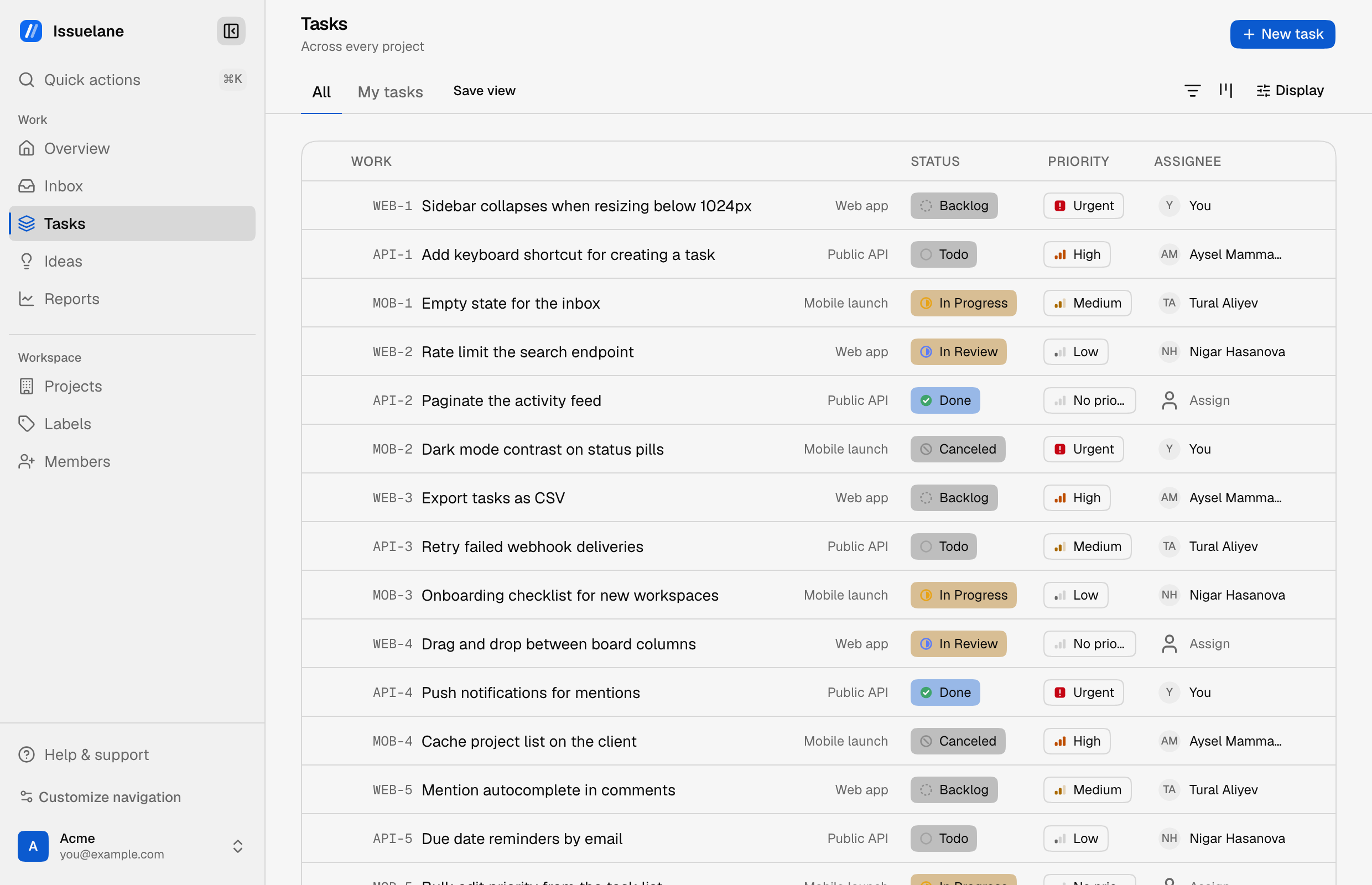
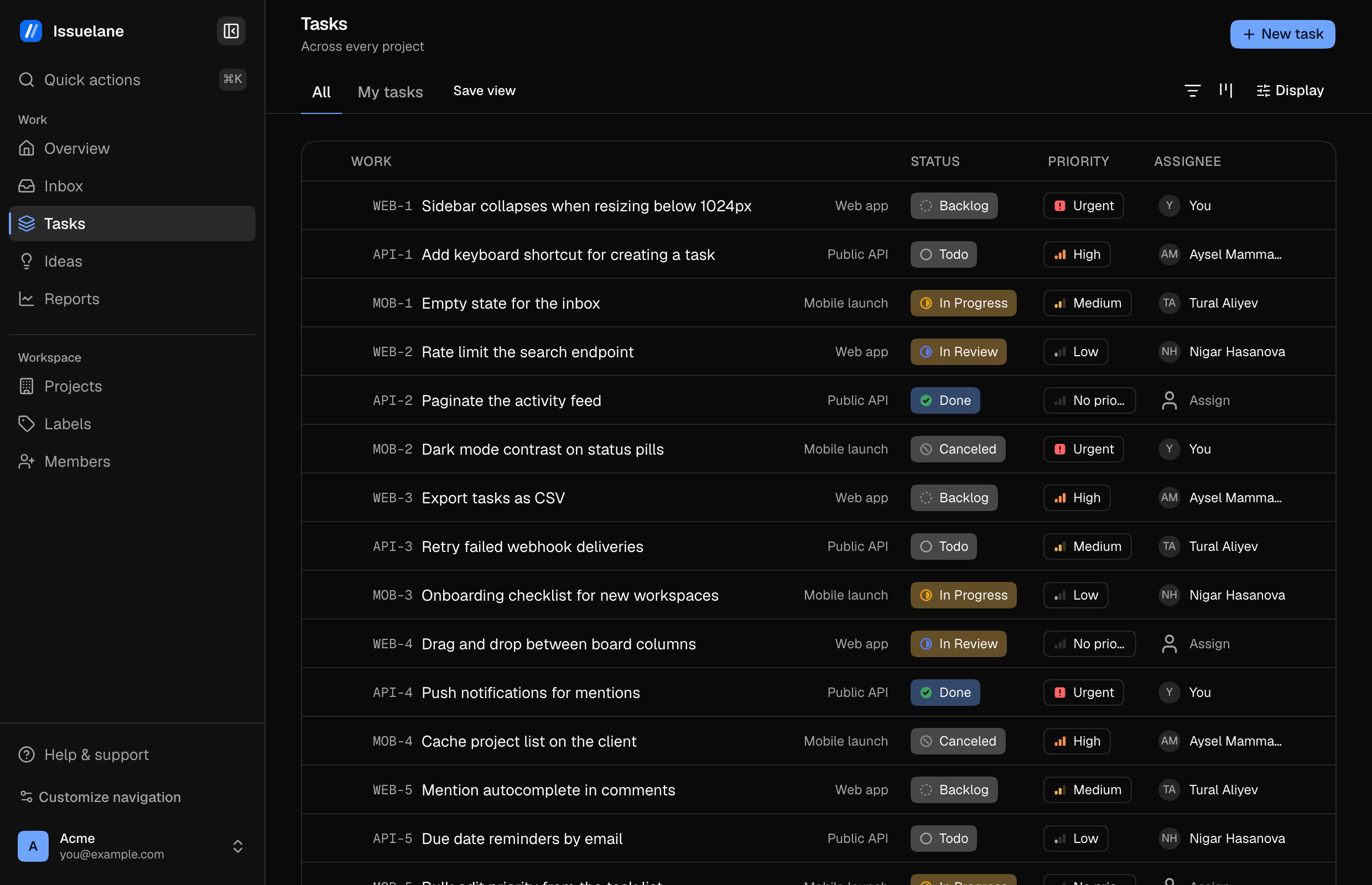
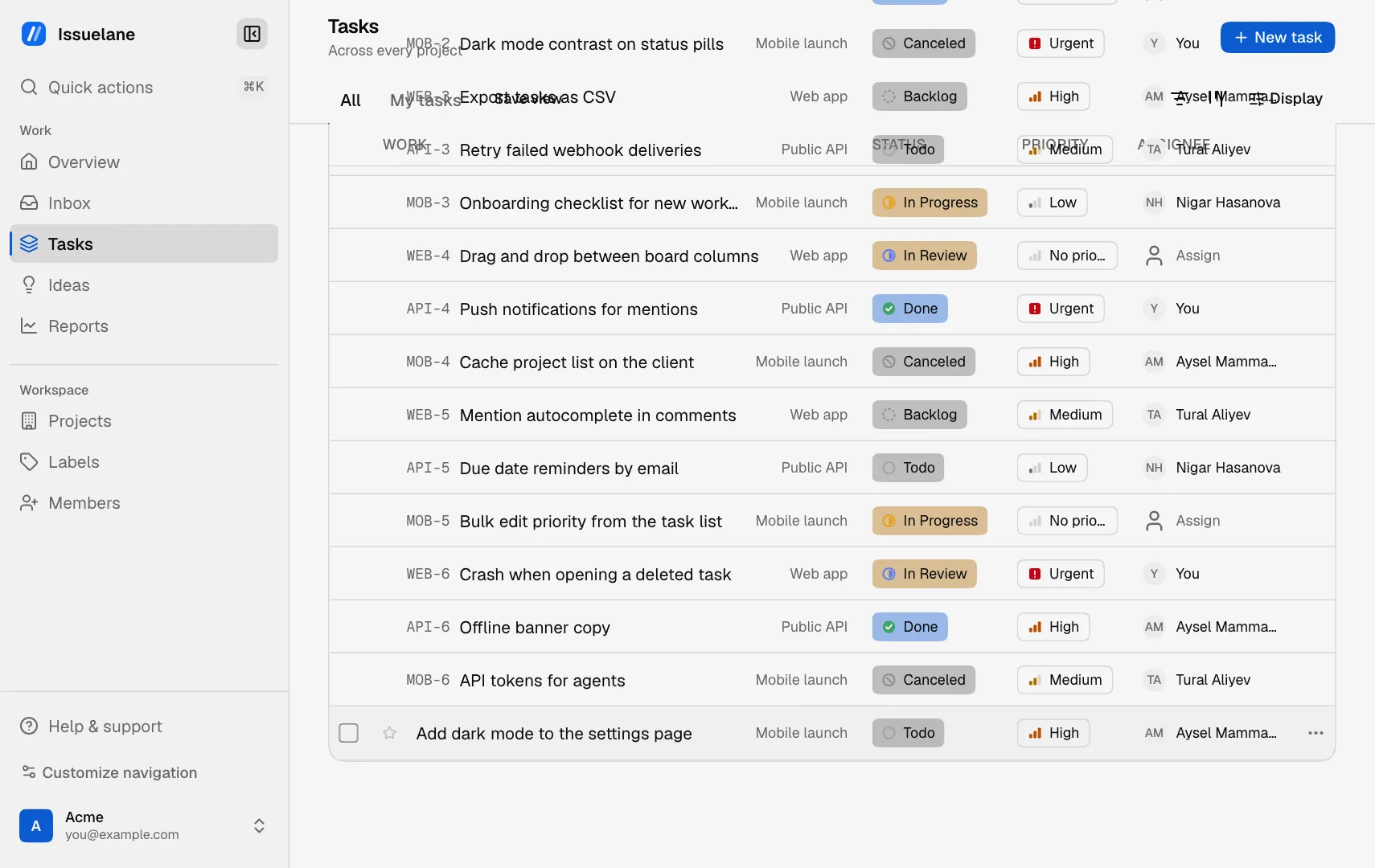
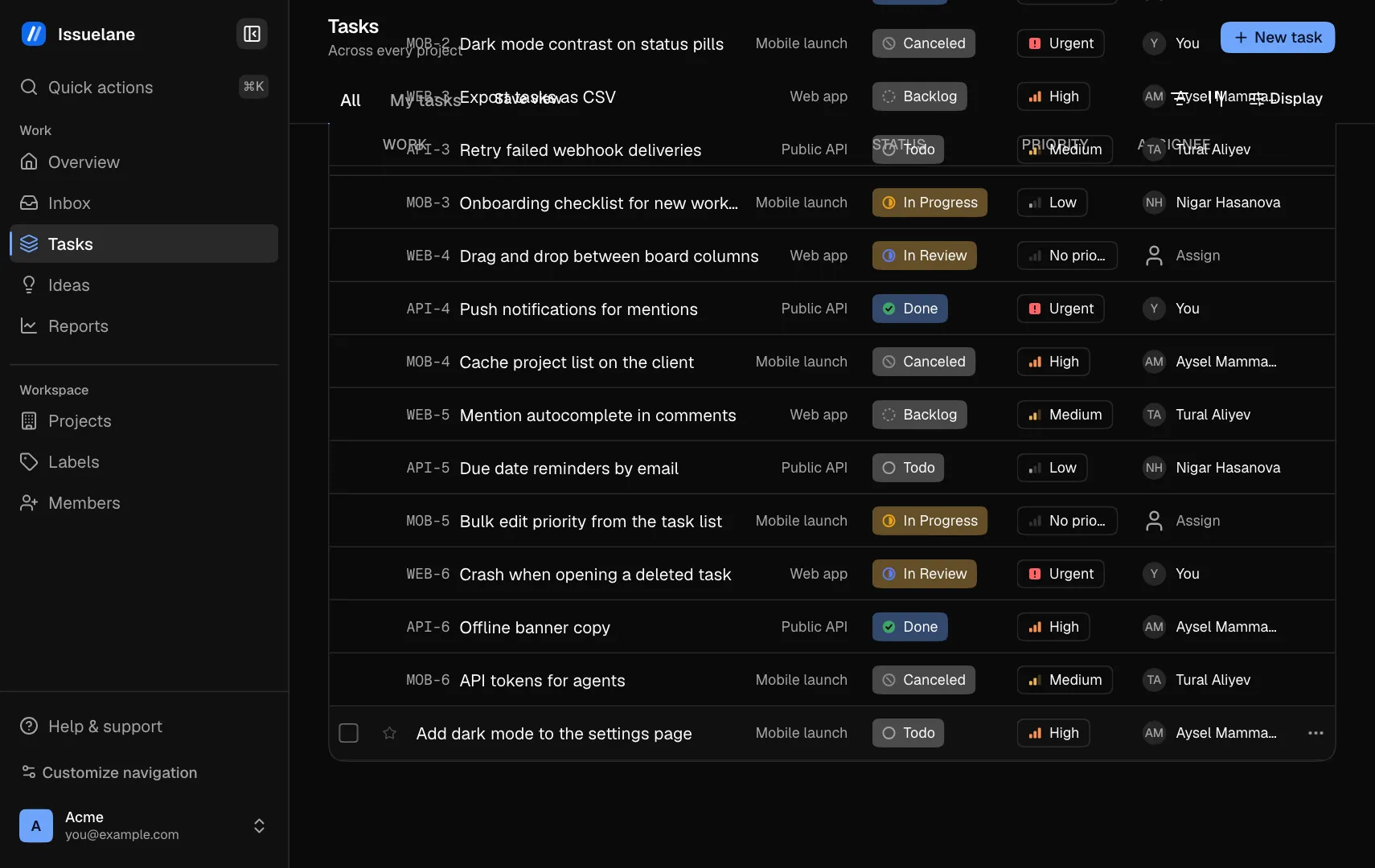
The Issuelane task list for an example studio, grouped by state, with tasks from three projects, their priority, status and assignee.The Issuelane task list for an example studio, grouped by state, with tasks from three projects, their priority, status and assignee.

Screens show an invented studio's workspace.

How it works

See how work gets done.

Real screens from the app, played step by step.
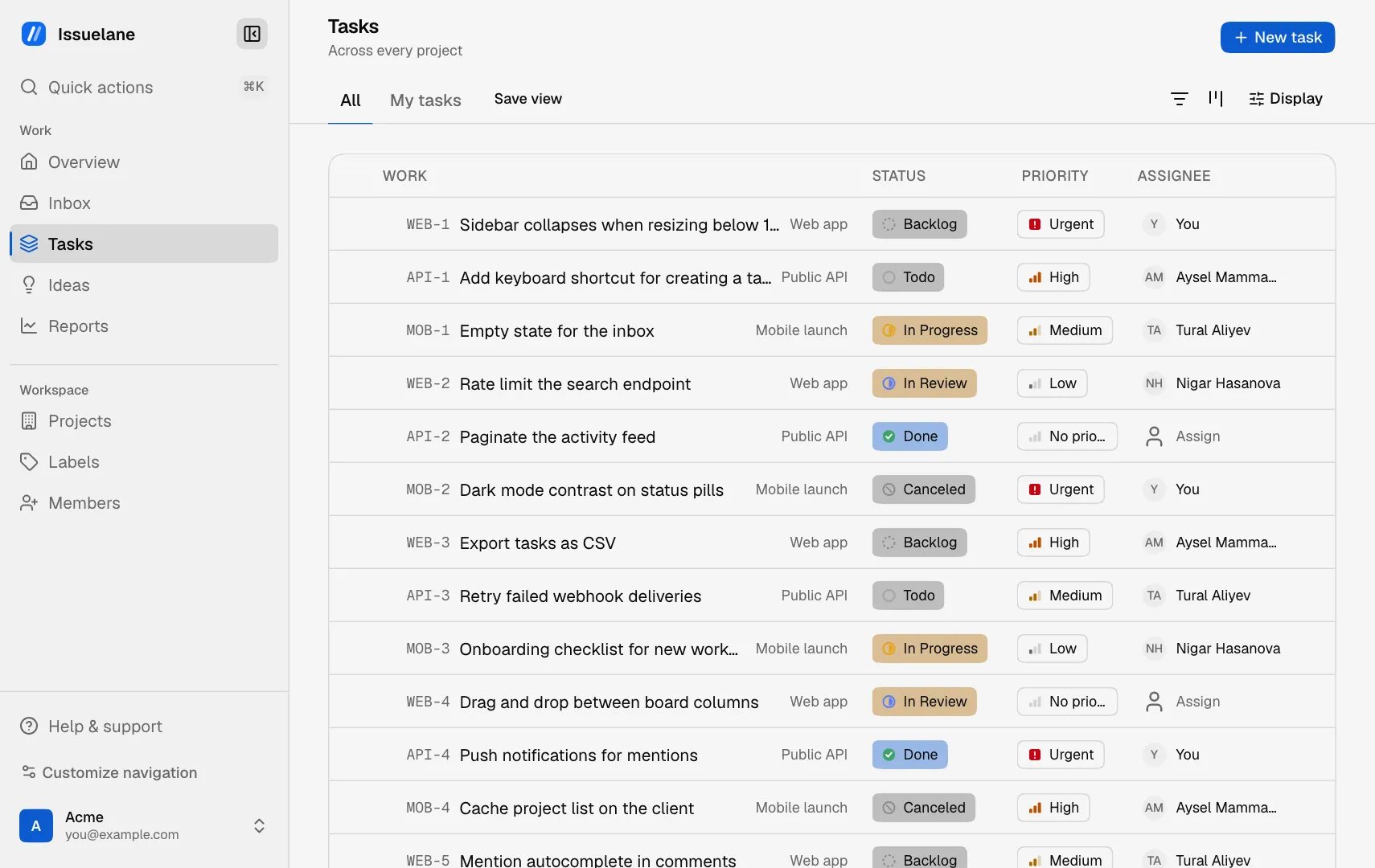
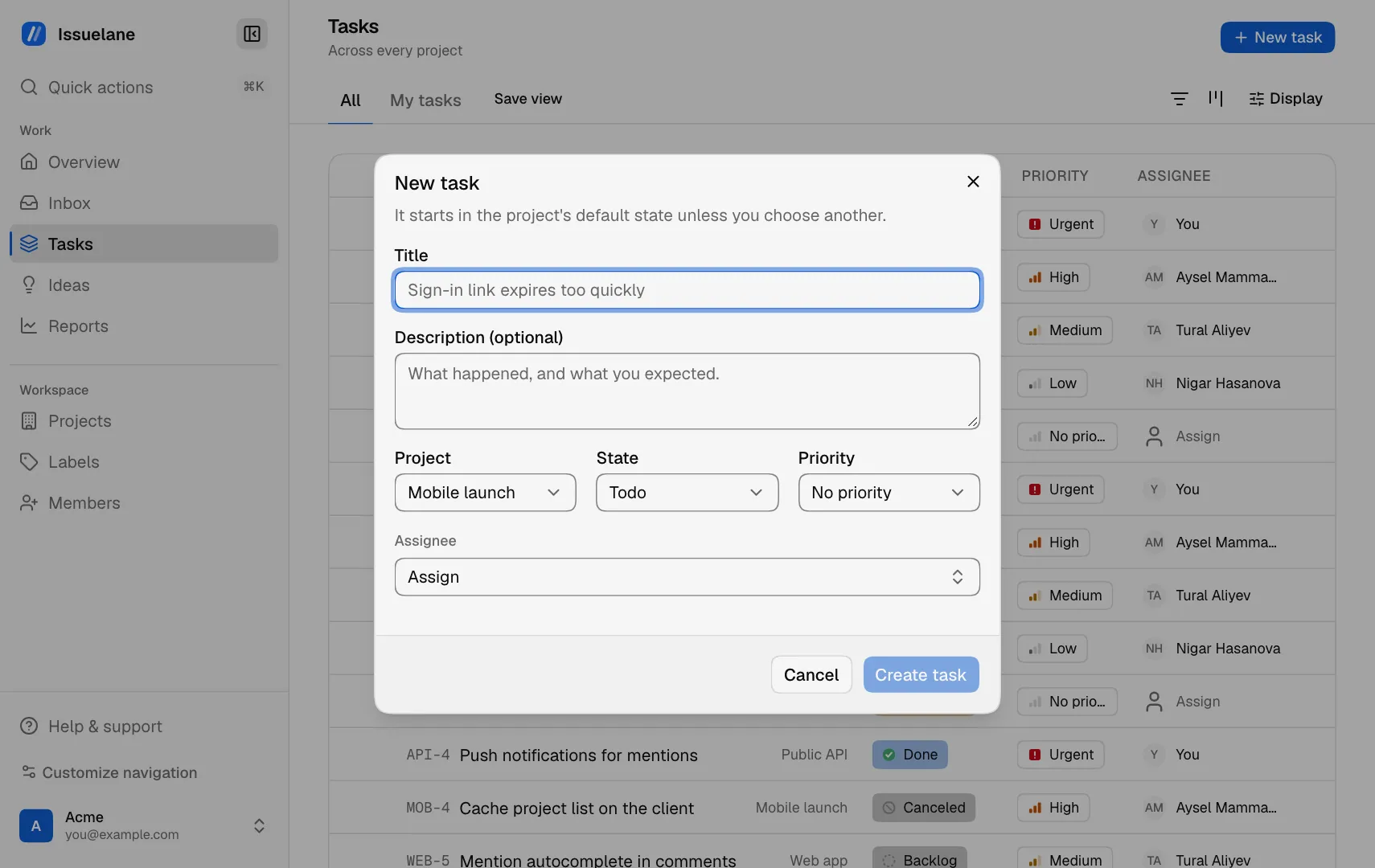
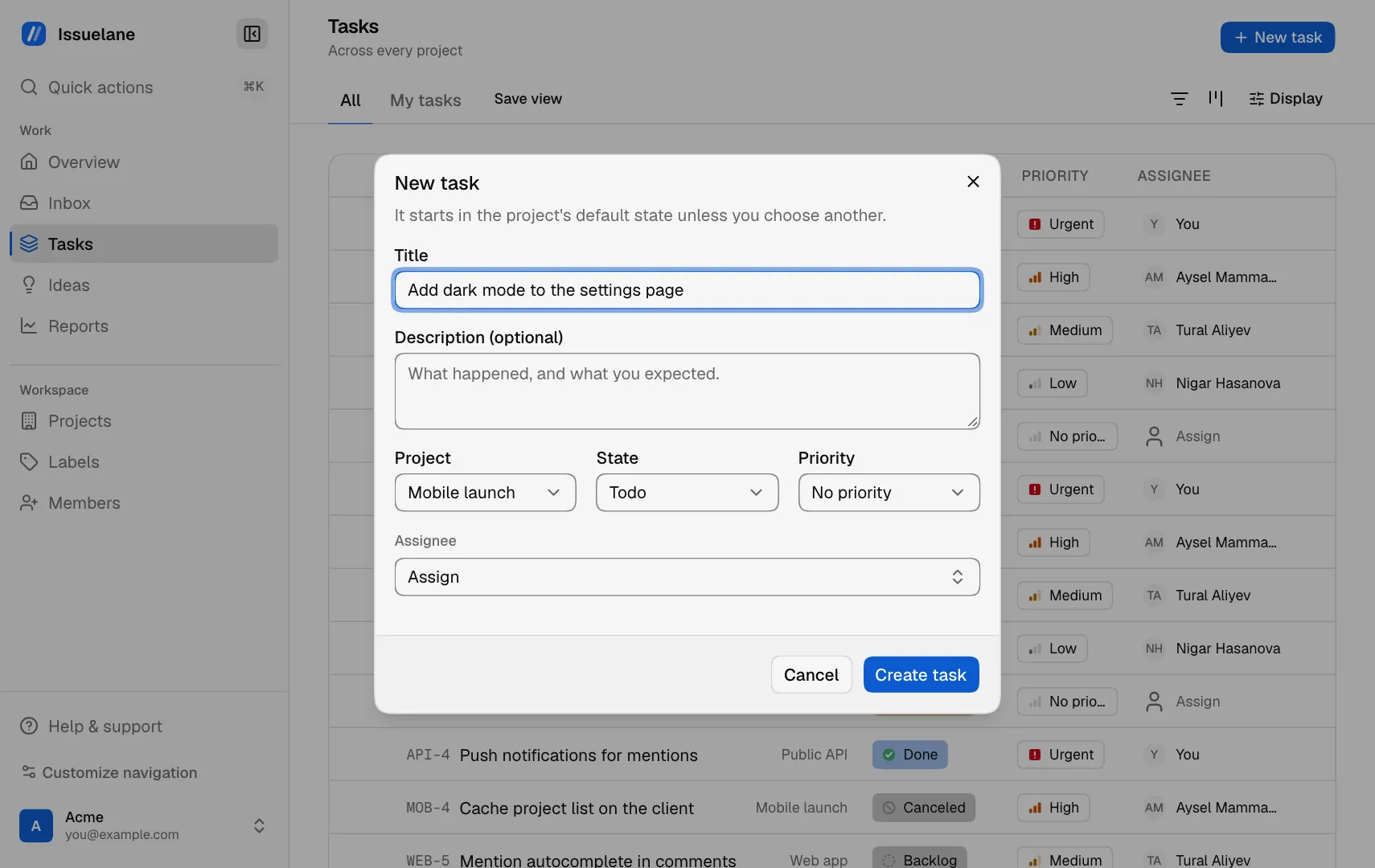
Click New taskClick New task
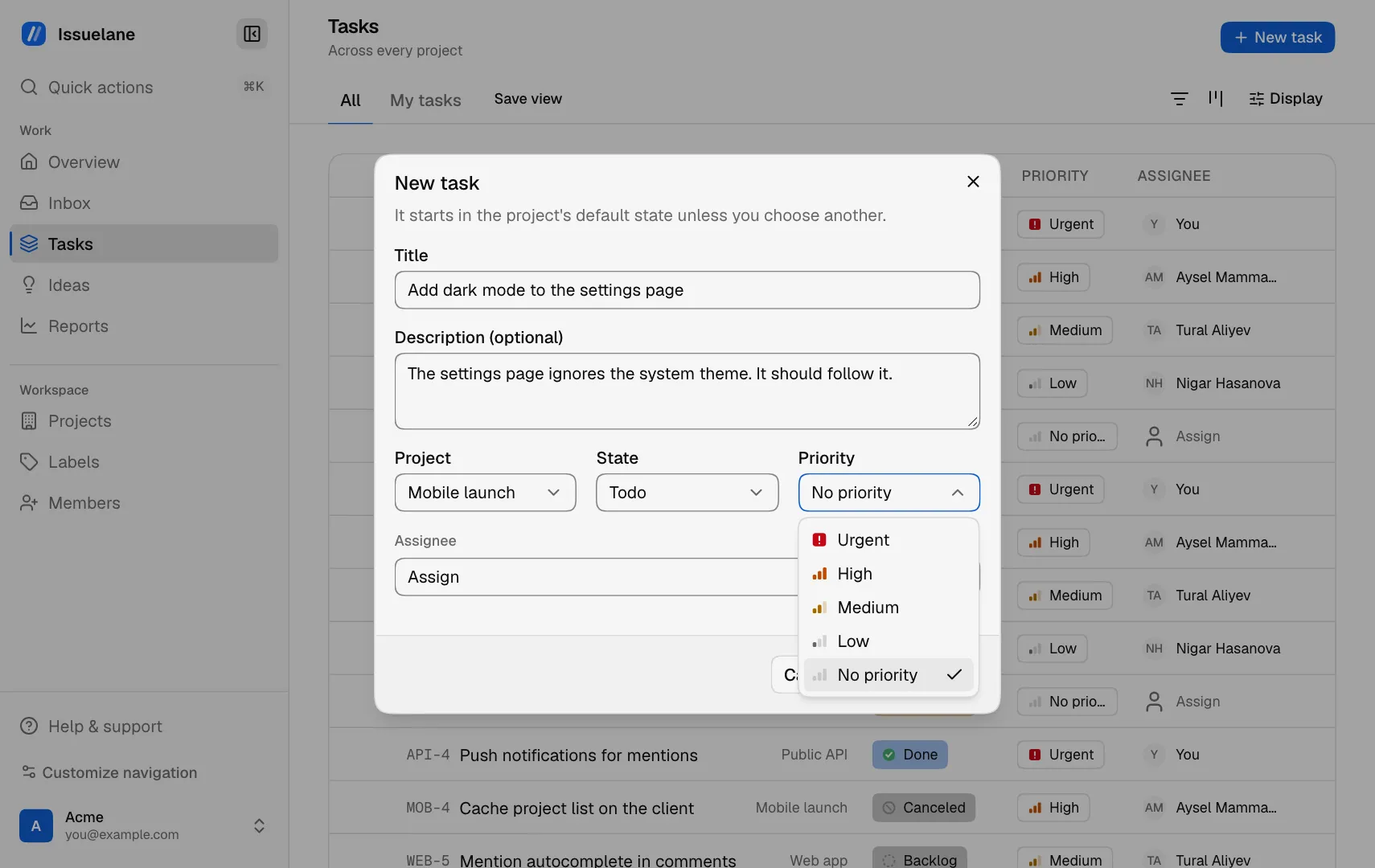
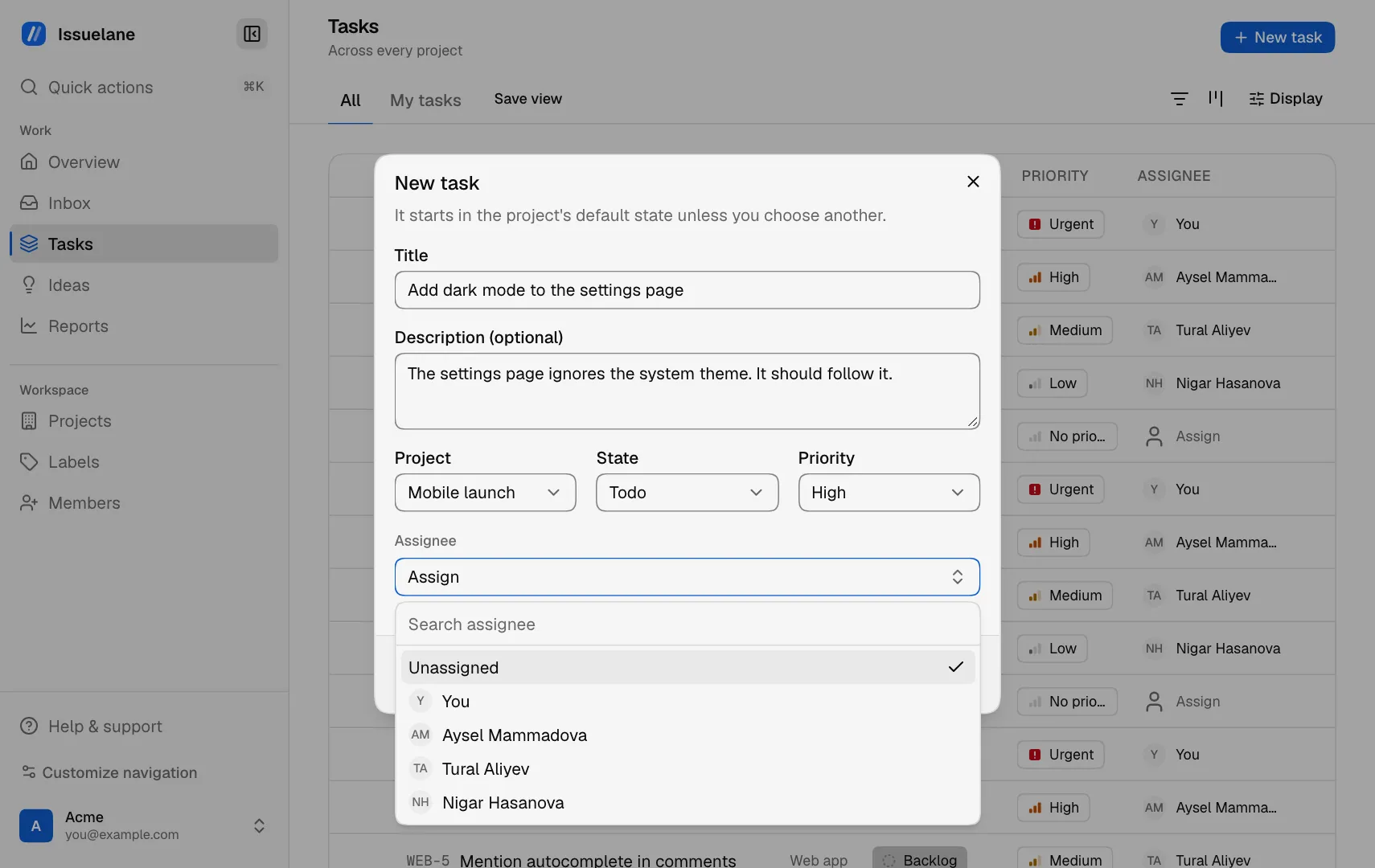
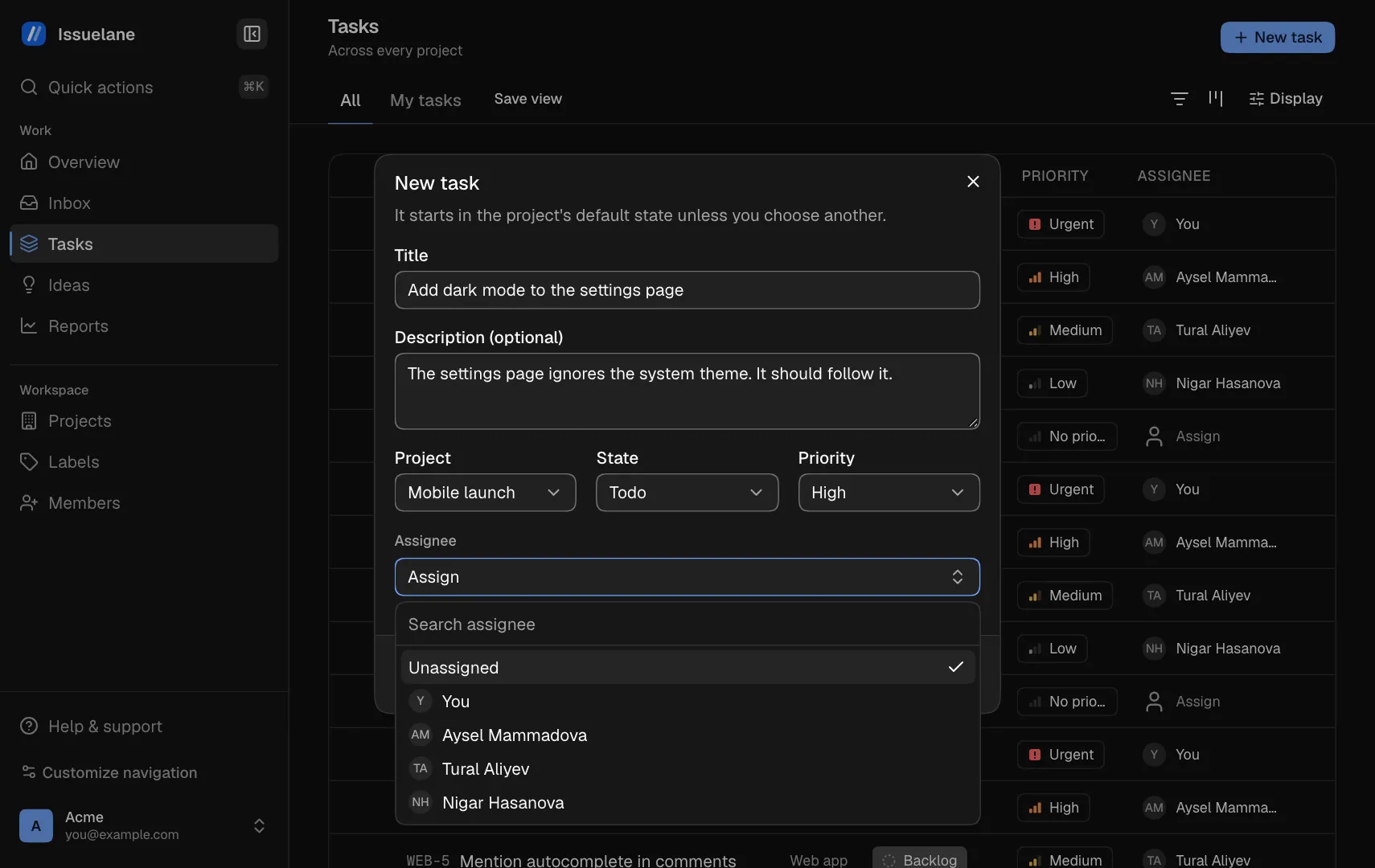
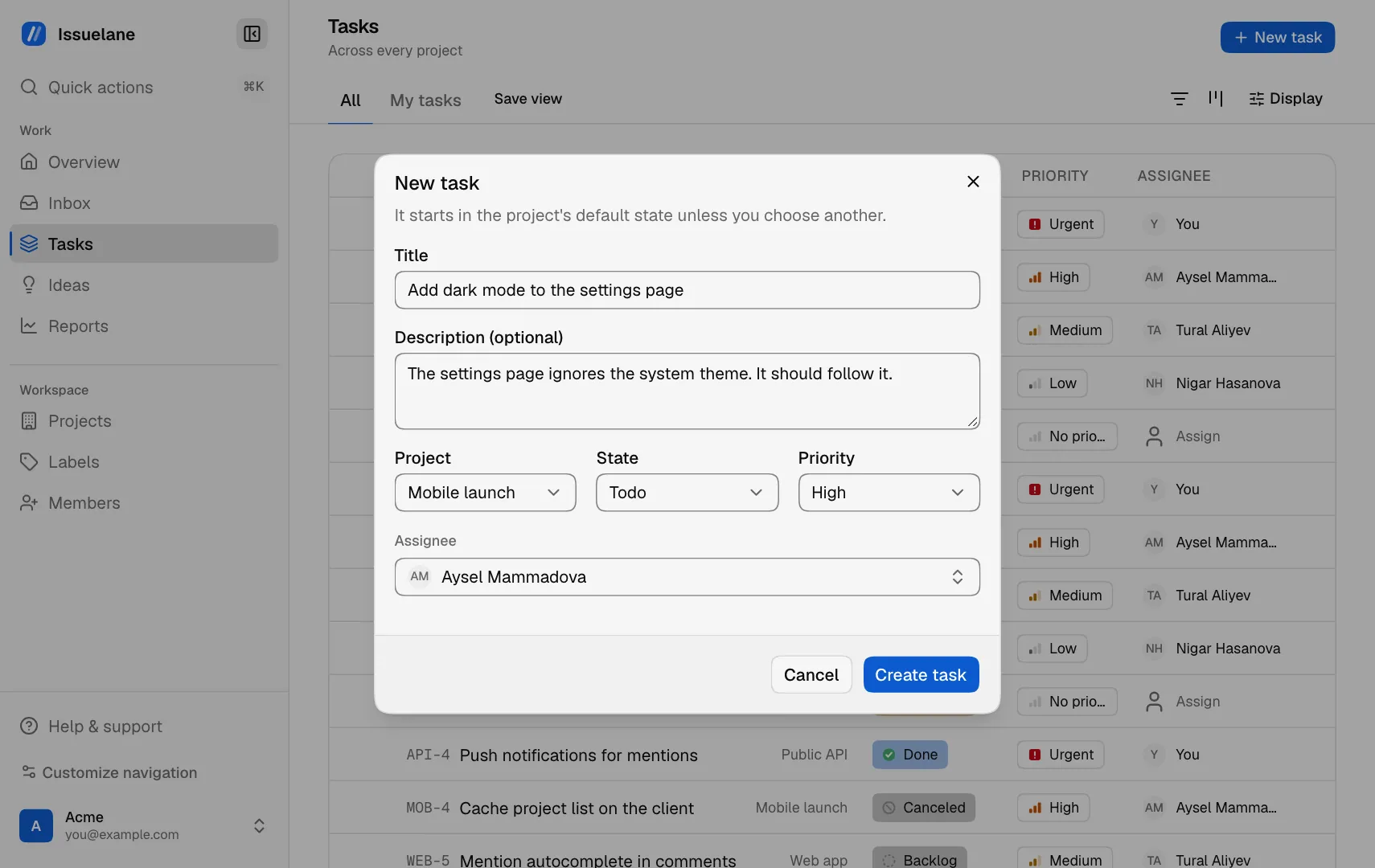
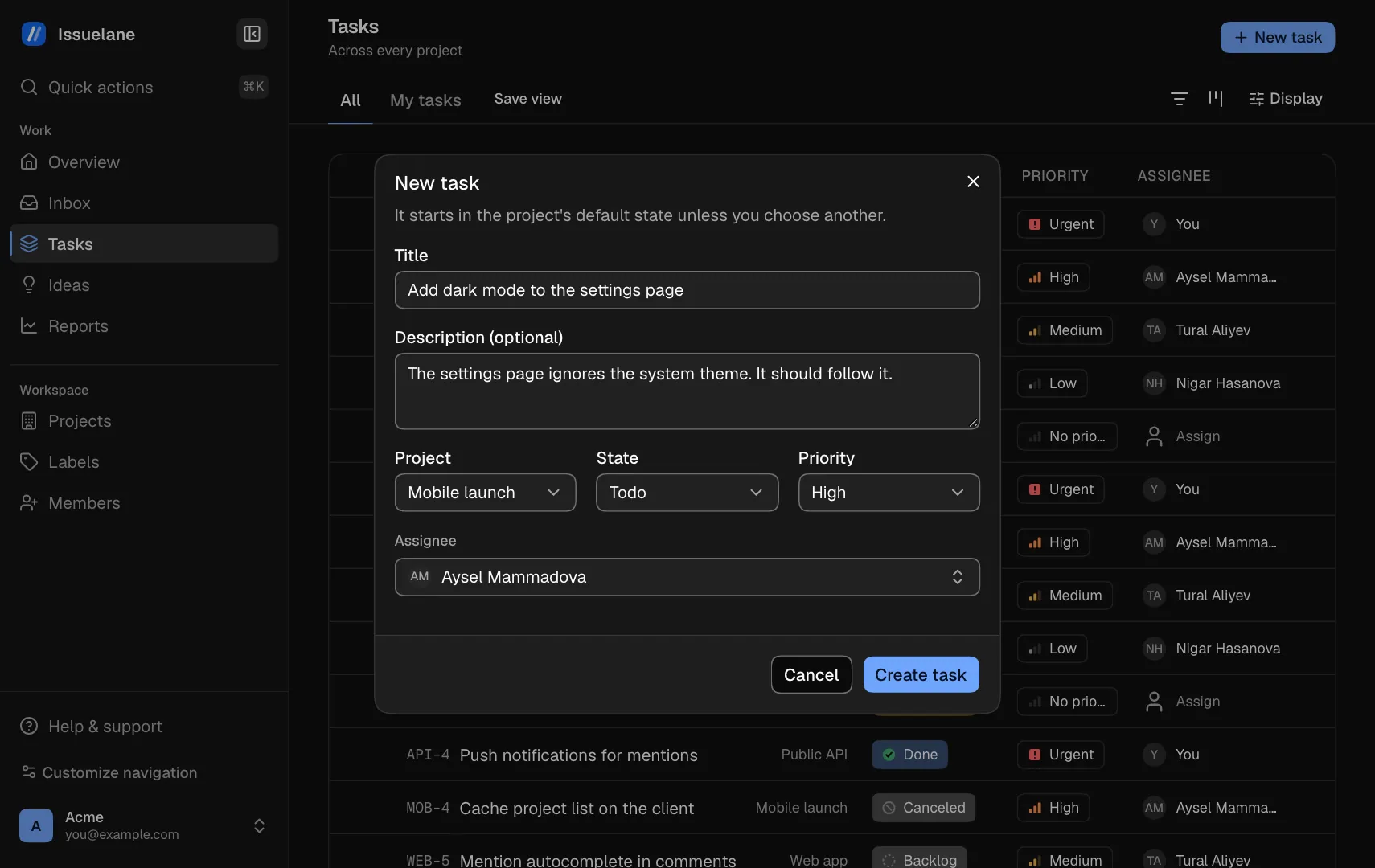
  1. Click New task
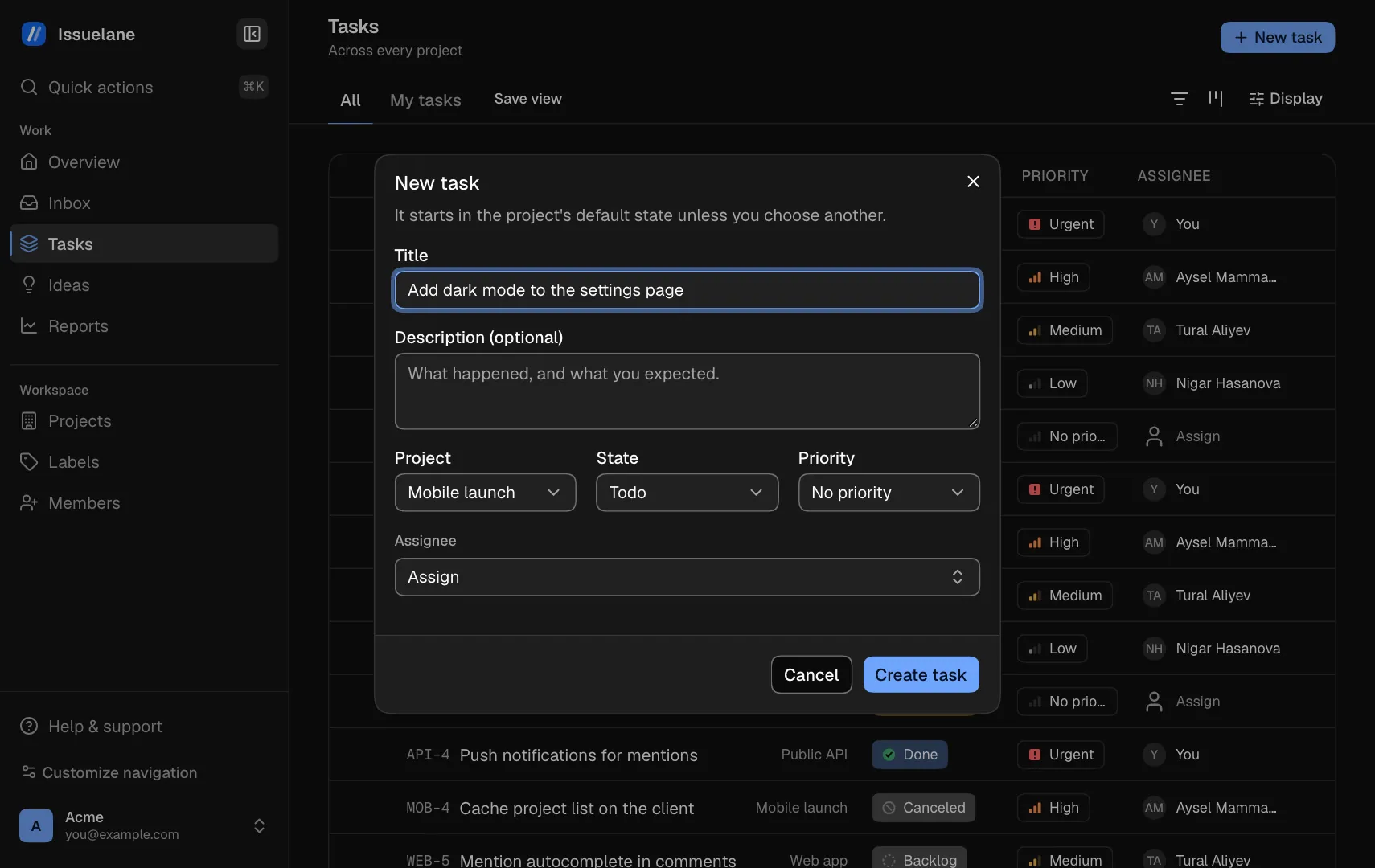
  2. Type a title
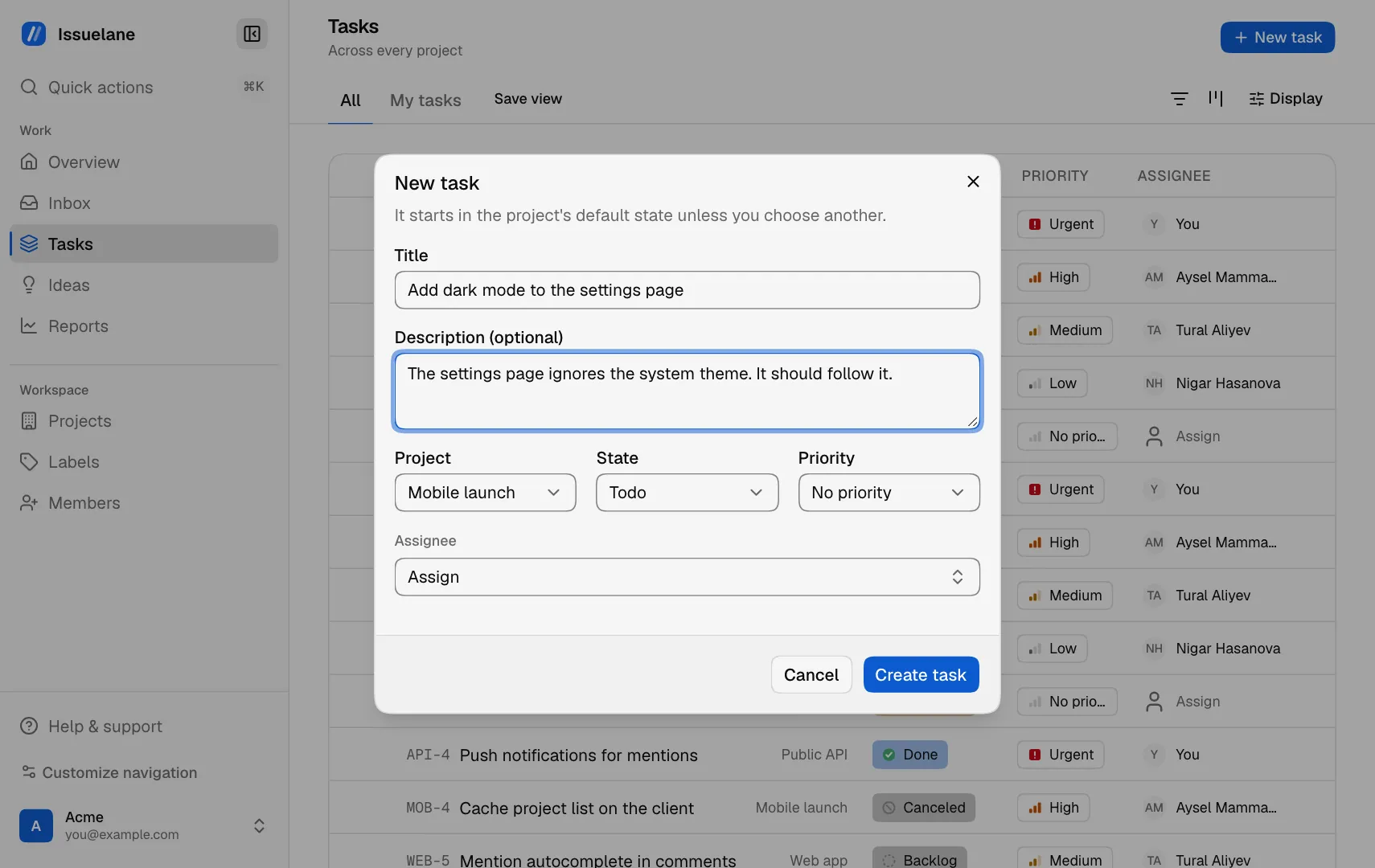
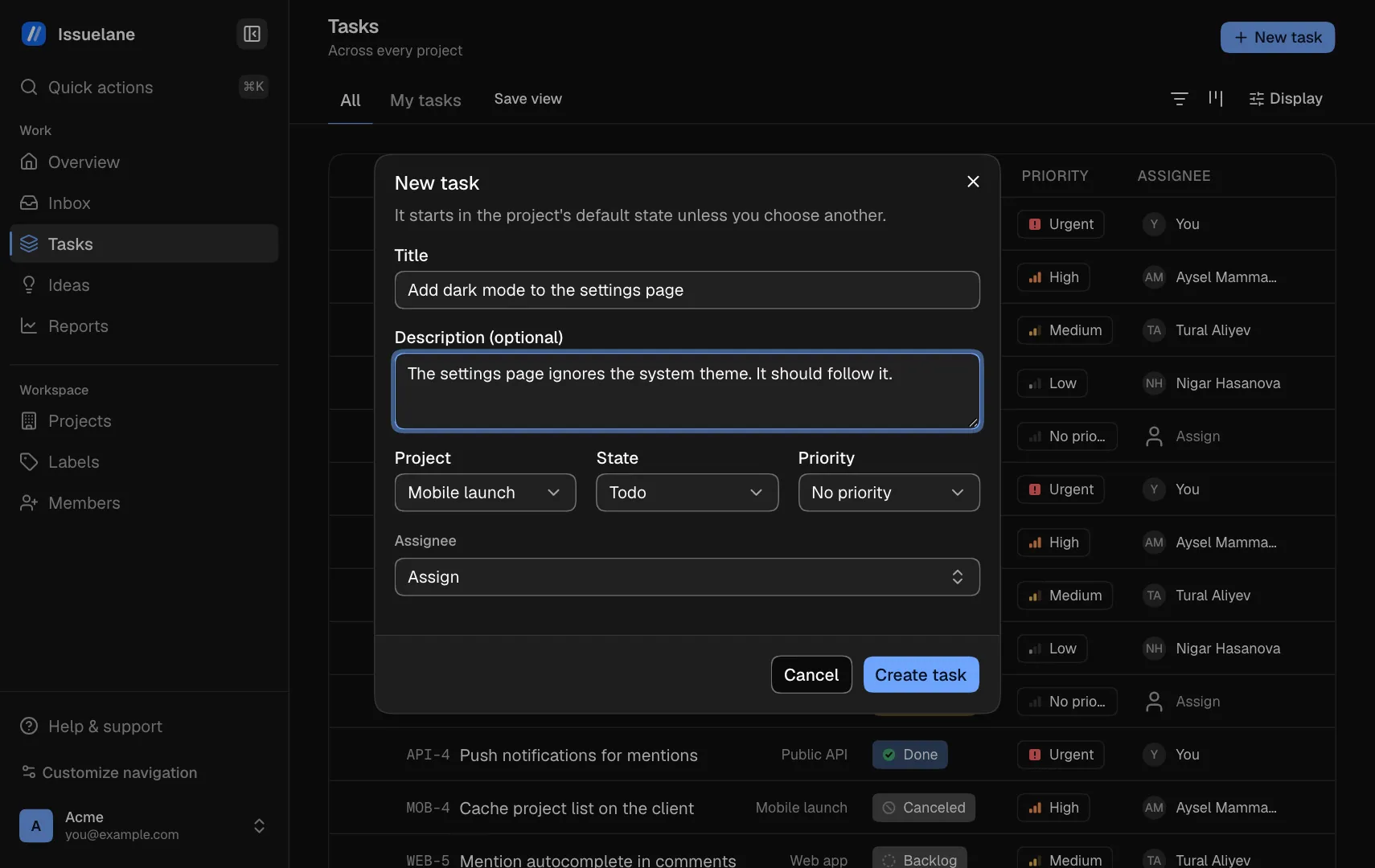
  3. Describe it
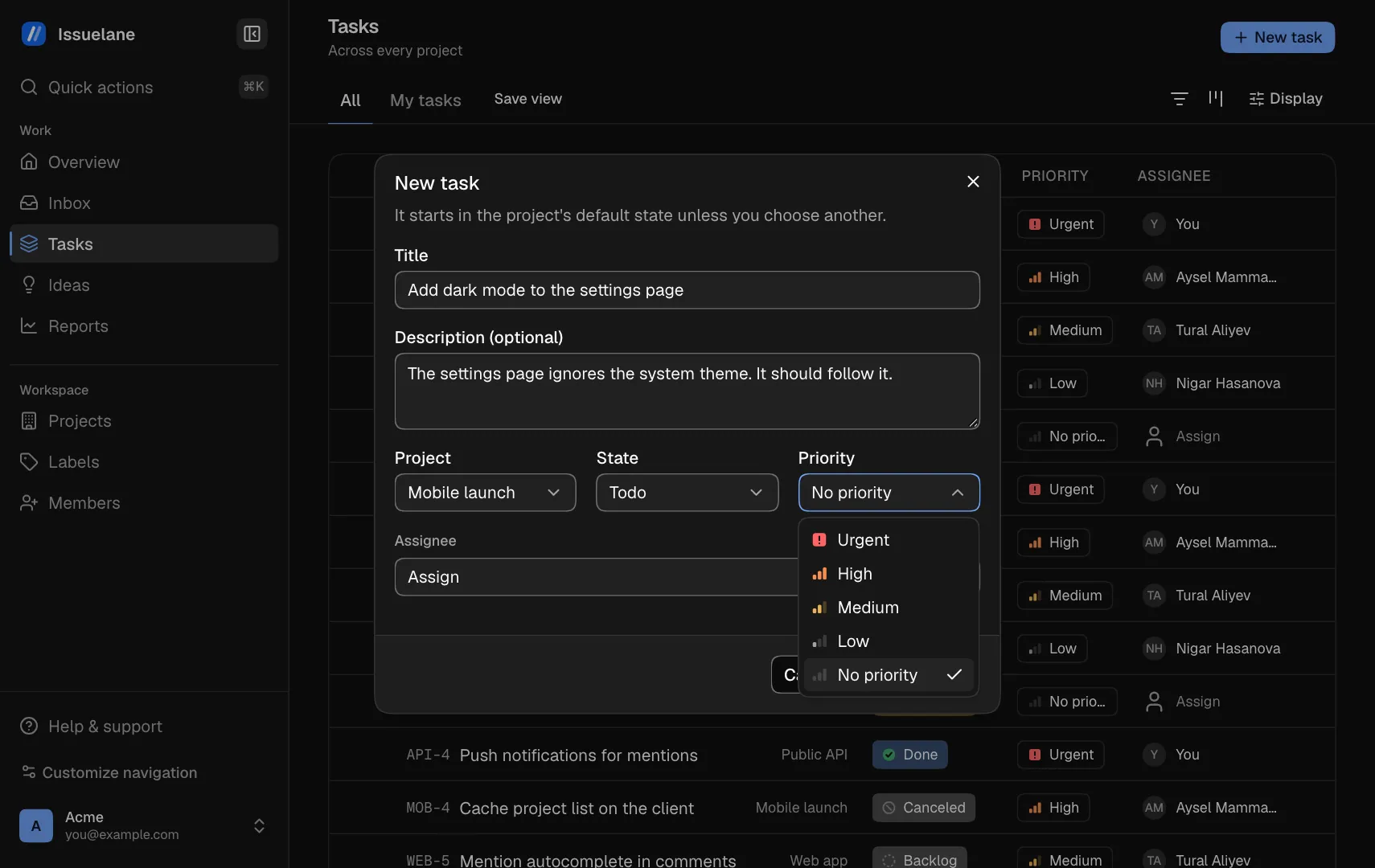
  4. Open the priority menu
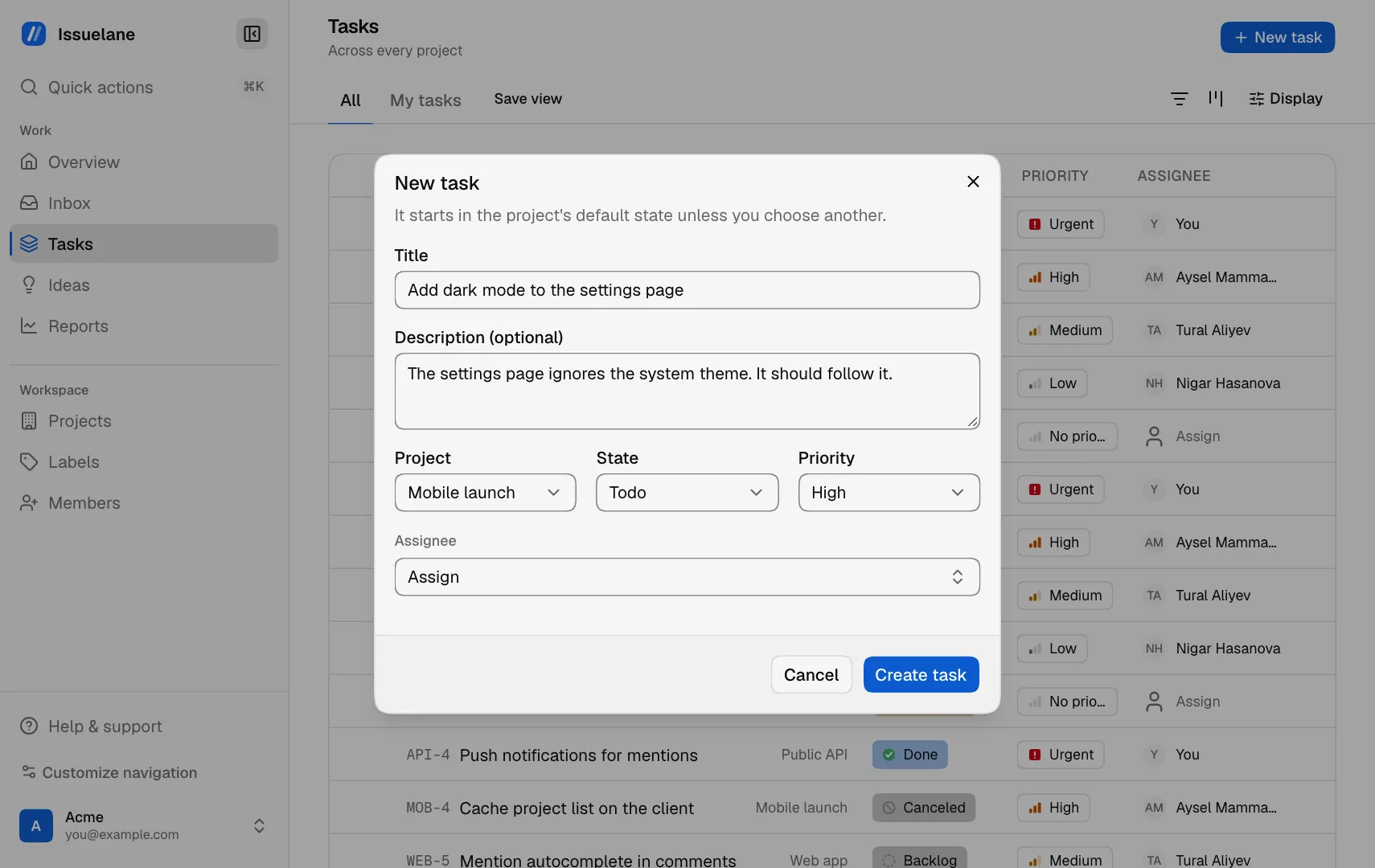
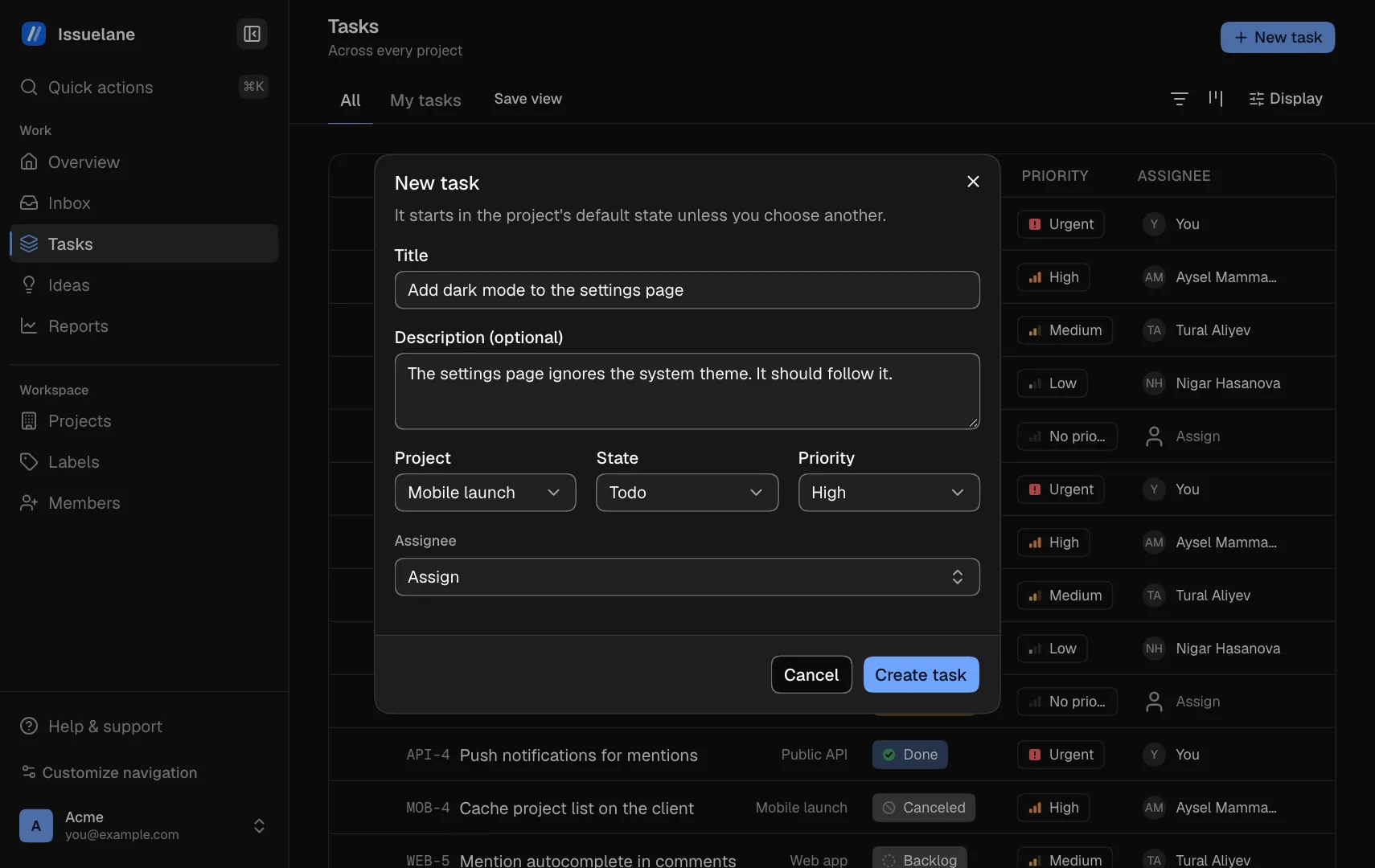
  5. Pick High
  6. Open the assignee menu
  7. Pick a teammate
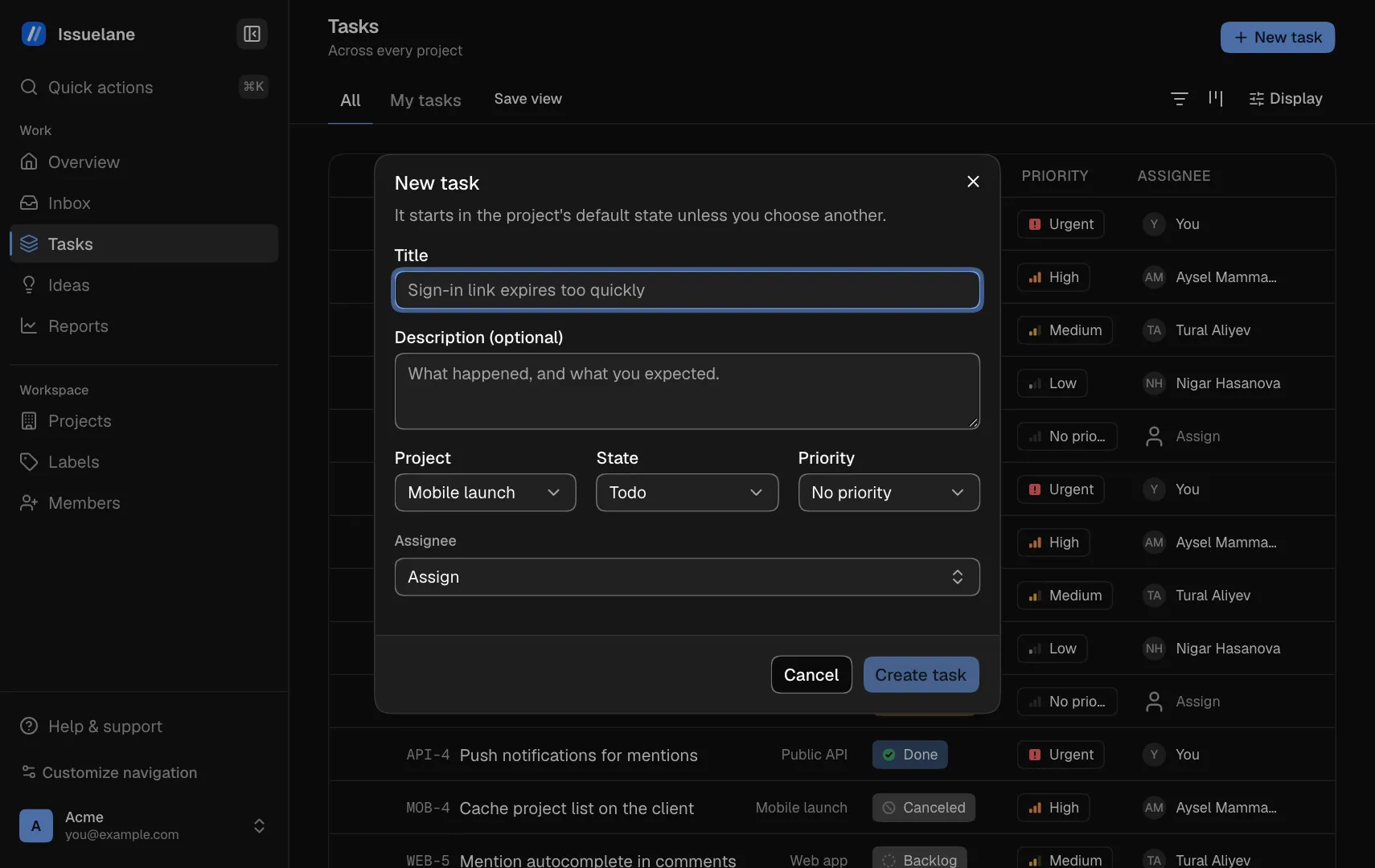
  8. Click Create task
  9. The task is in the list
Working today

A tracker that keeps up with you.

Every project's work in one workspace, built for the keyboard.

Tasks

Every project's work in one list

Filter by project, person, state or label, group it, and save the view.

See the shortcuts
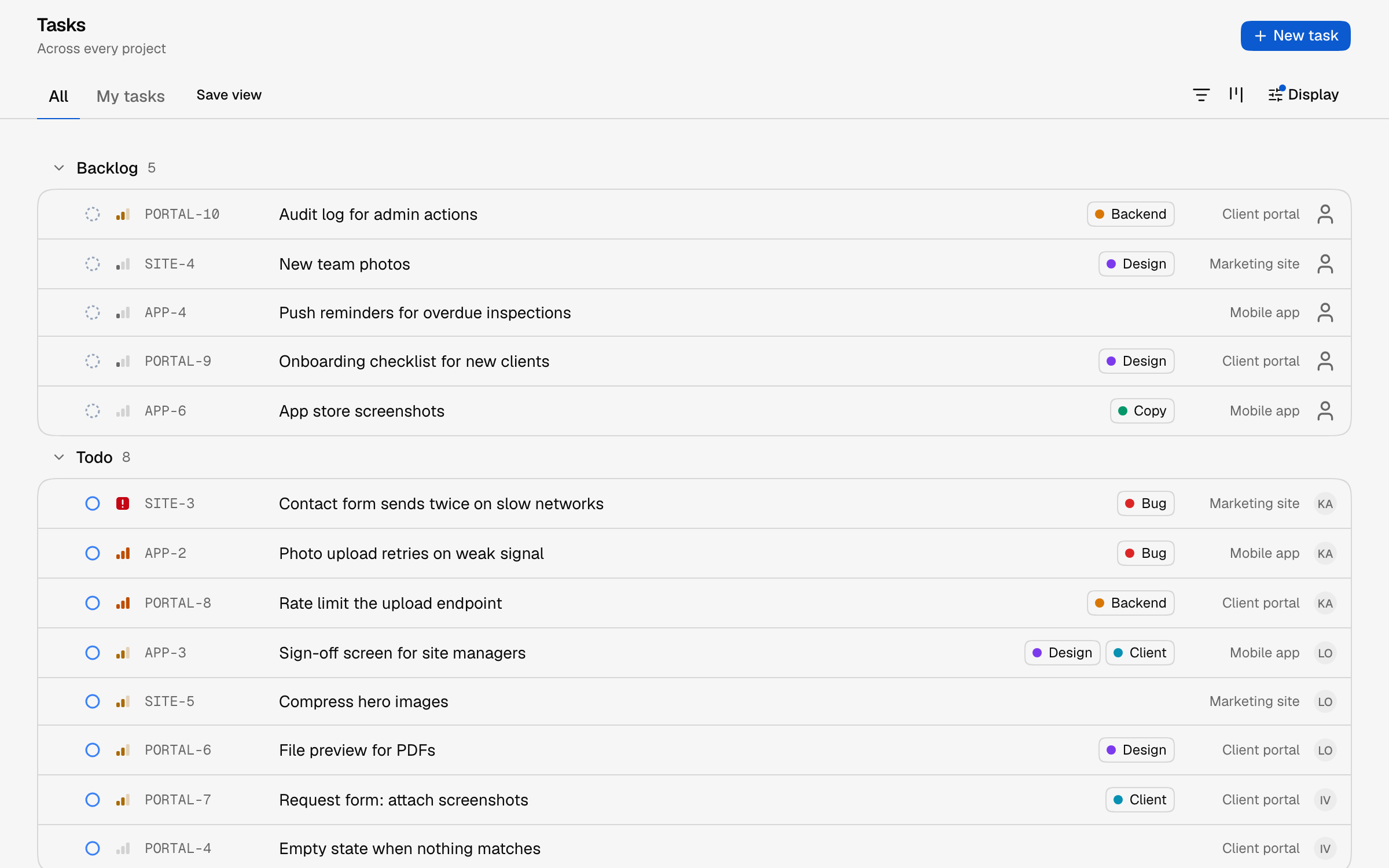
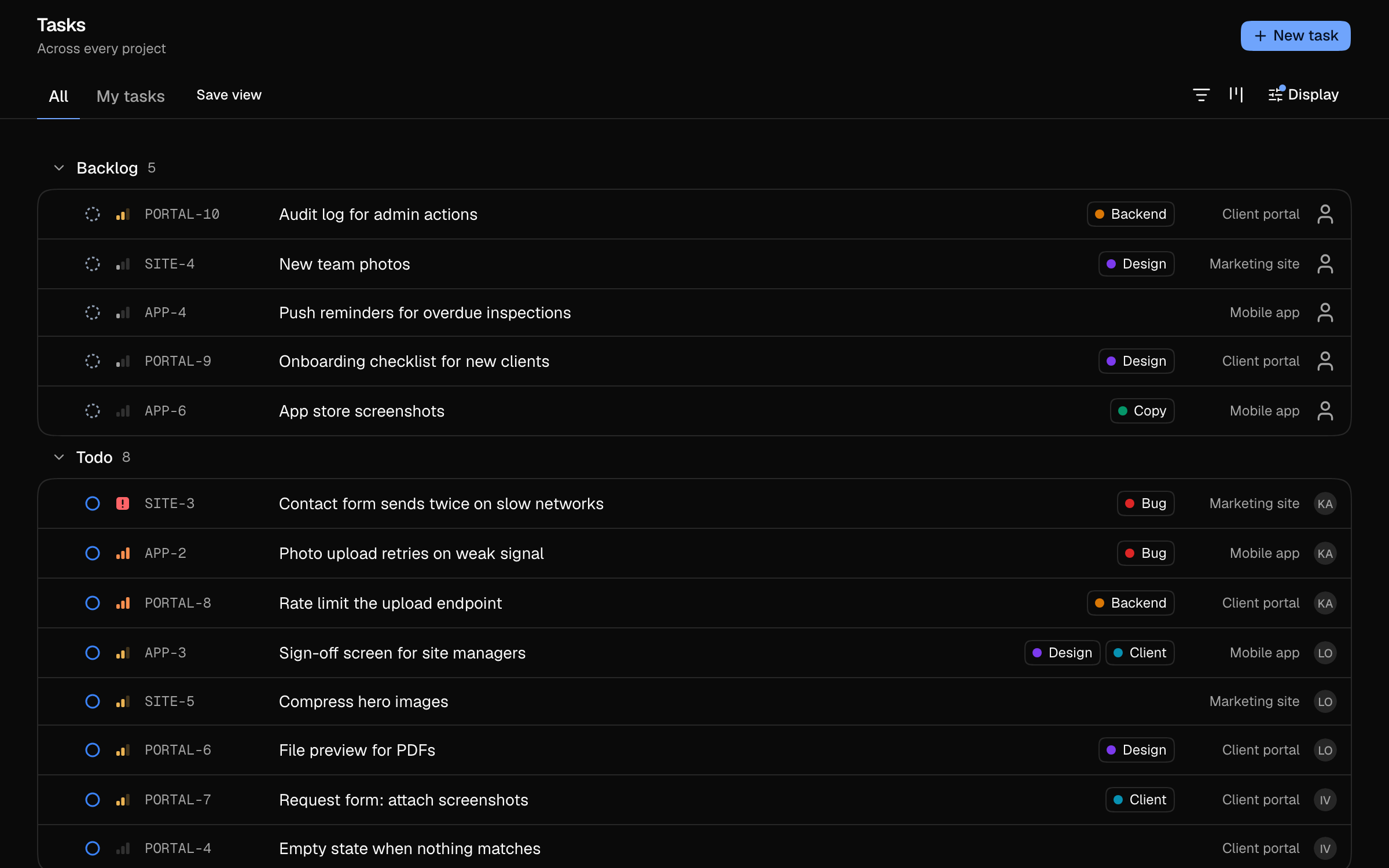
  • Multi-select and bulk change
  • Peek without leaving the list
  • Undo within six seconds
  • Group by state or project
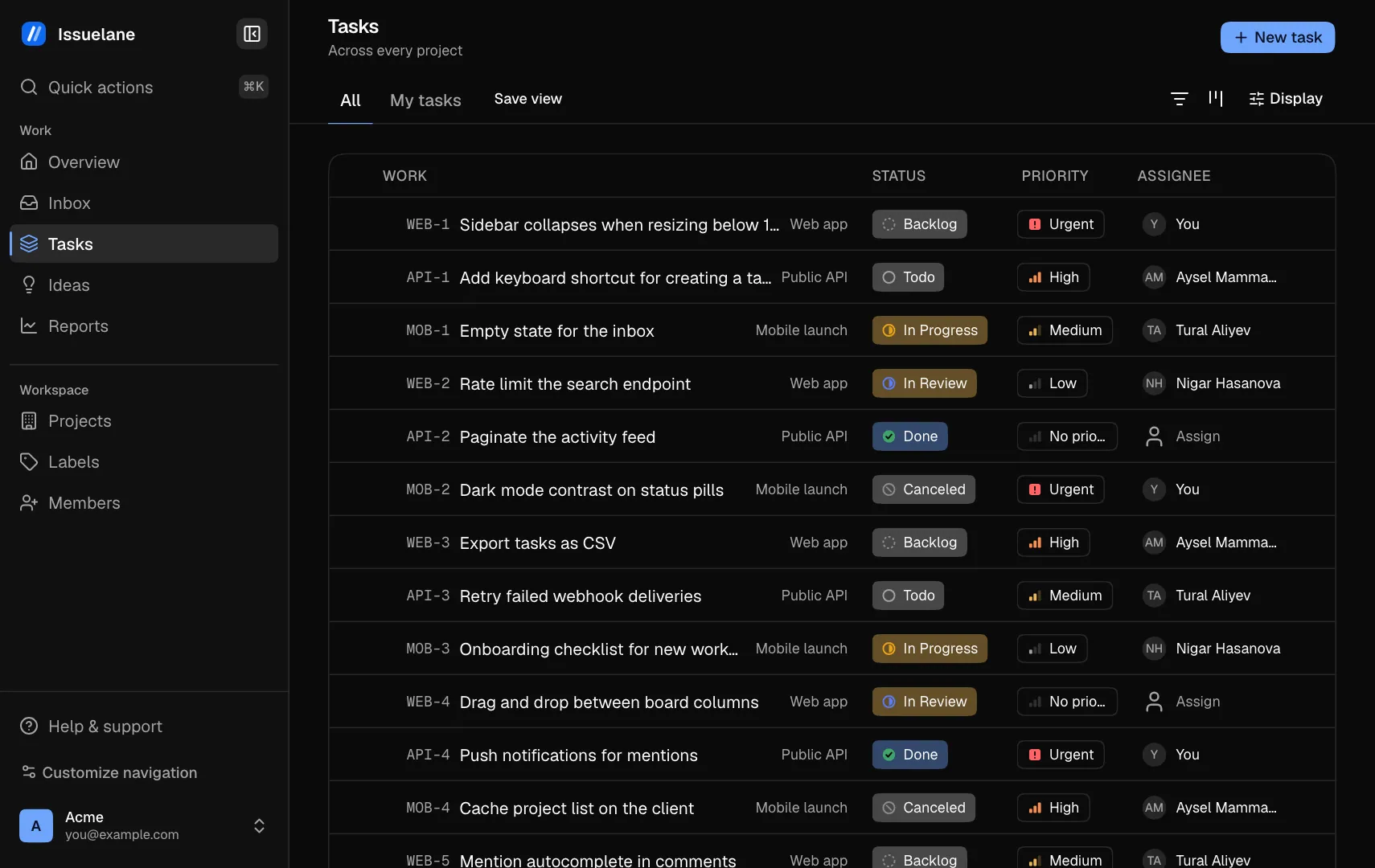
The task list of an example studio, grouped by state, with tasks from three projects, their priority, status and assignee.The task list of an example studio, grouped by state, with tasks from three projects, their priority, status and assignee.
Board

Plan on a board, in sprints

Move work across states on a board, and plan each project in sprints.

How boards work
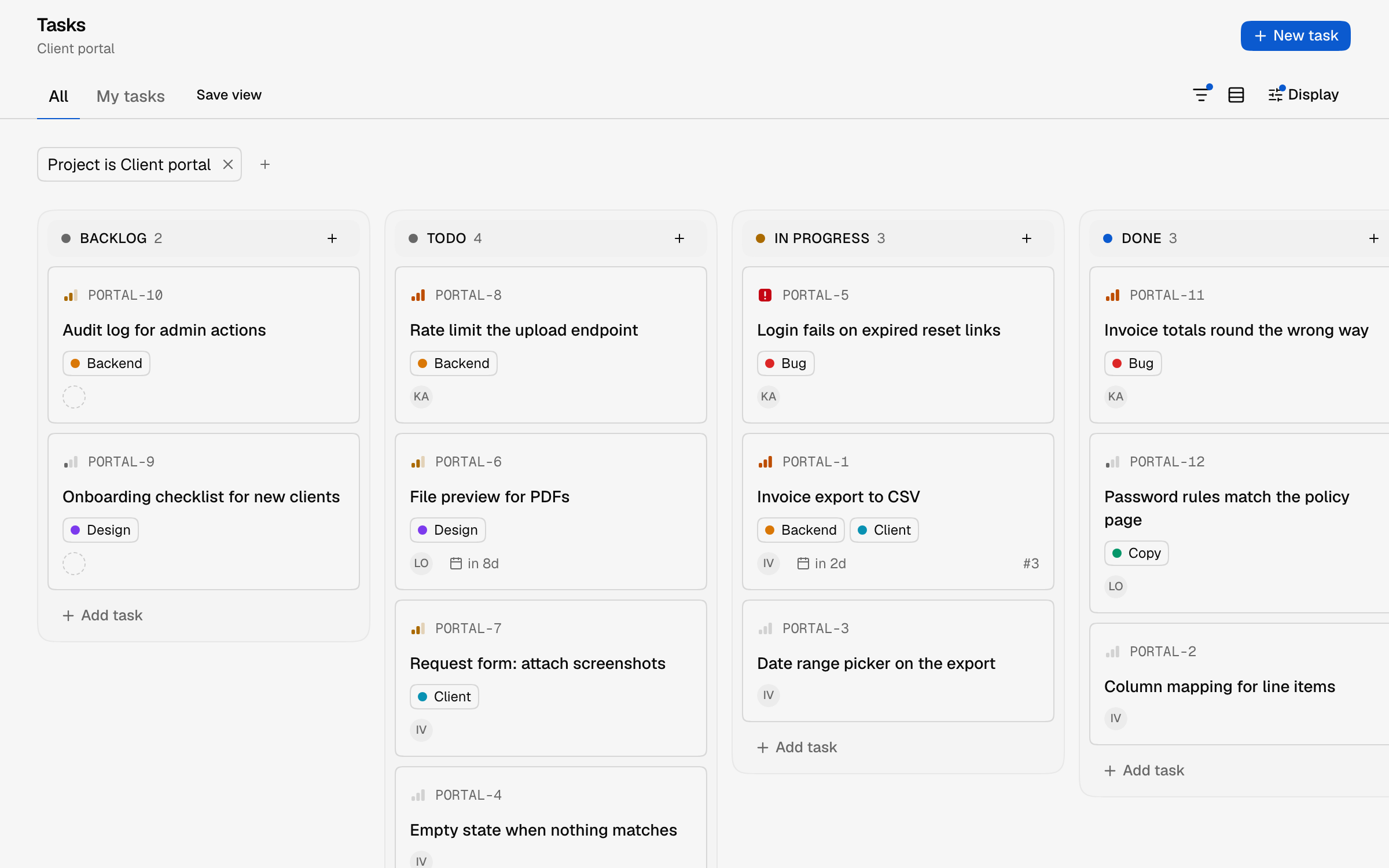
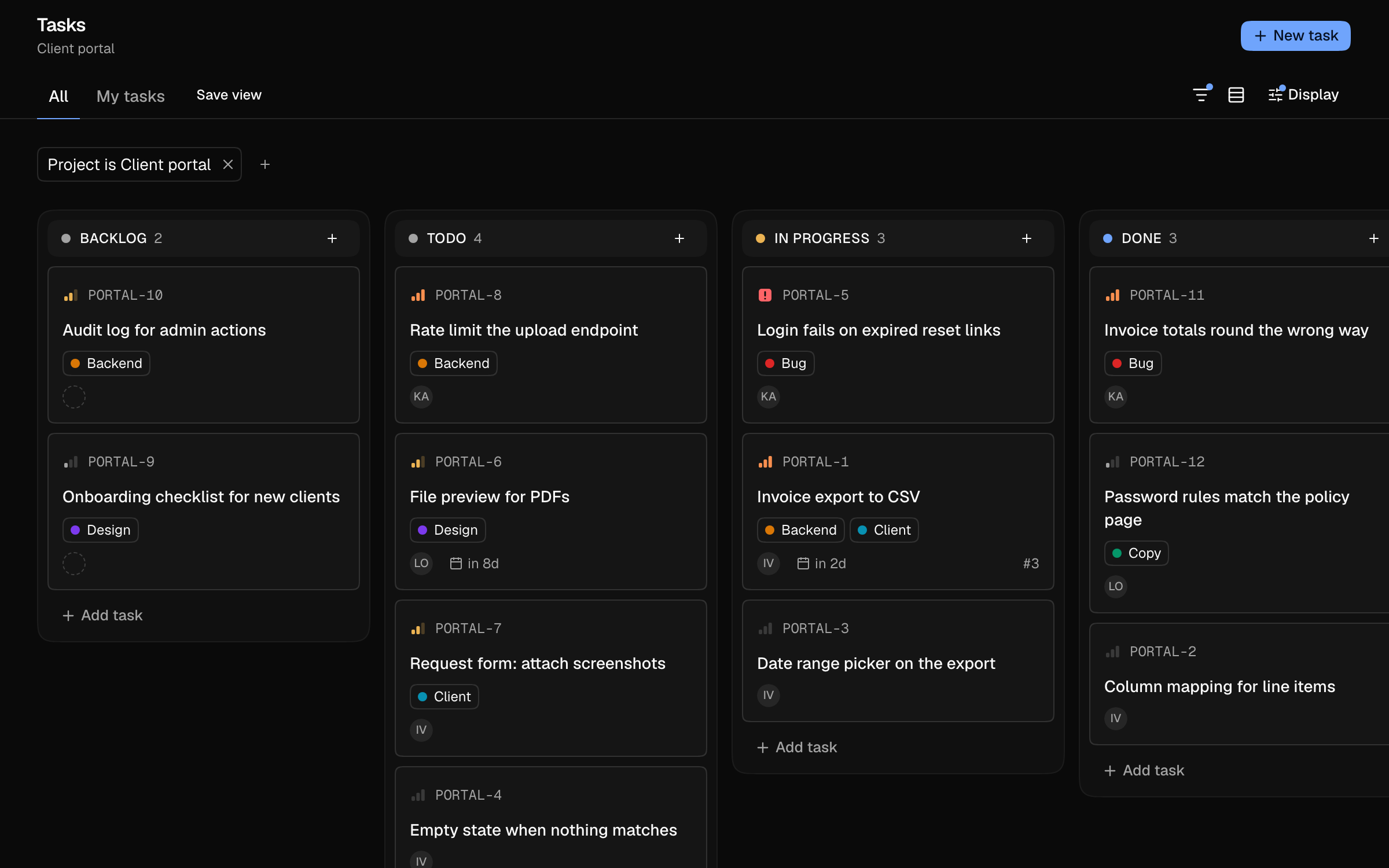
  • Backlog, Todo, In progress, Done
  • Labels on every card
  • Due dates where you see them
  • Add a task from any column
A board for one project with Backlog, Todo, In progress and Done columns of task cards.A board for one project with Backlog, Todo, In progress and Done columns of task cards.
Task detail

A task holds its whole story

Sub-tasks, relations, files, comments and the history of every change.

What a task holds
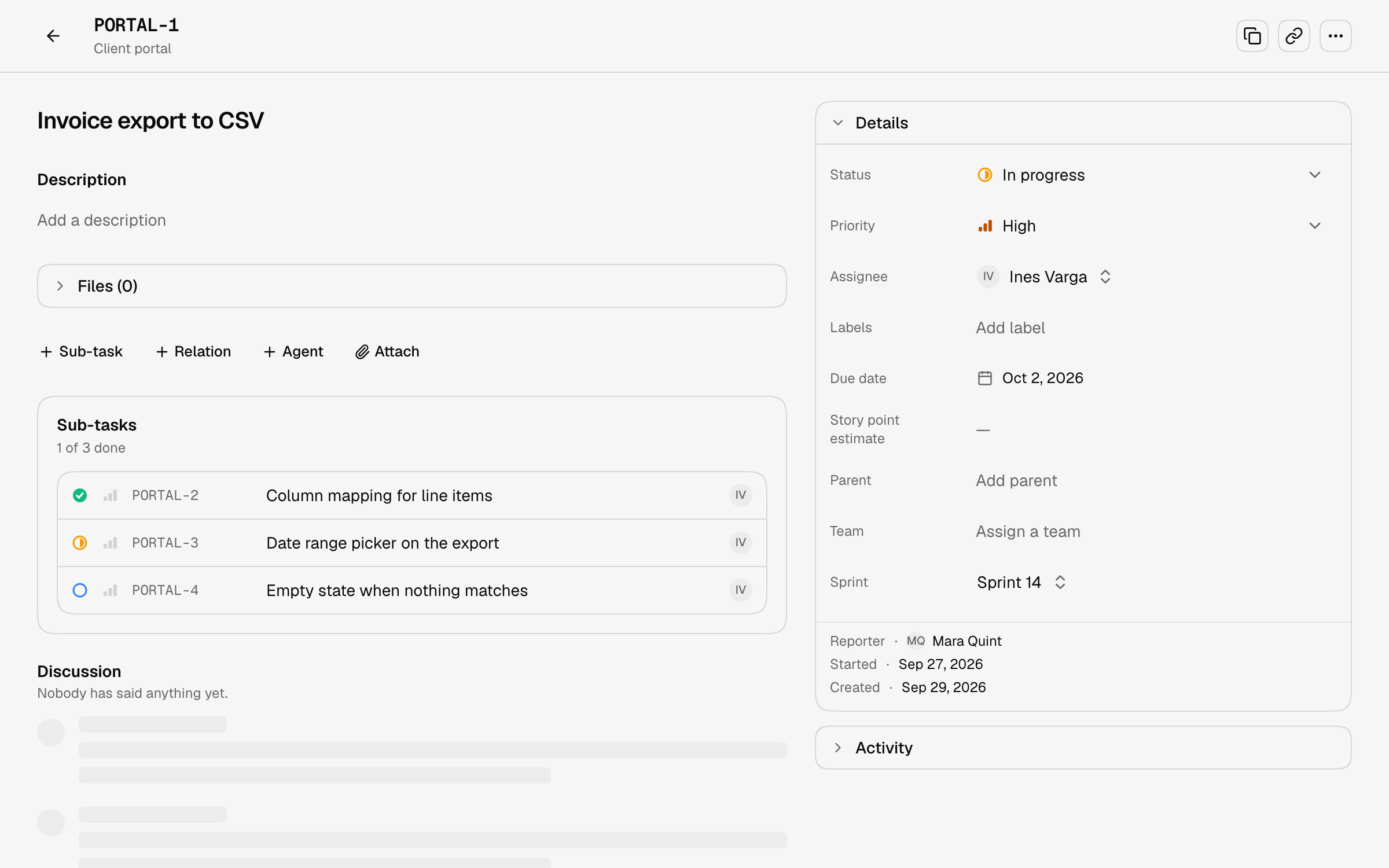
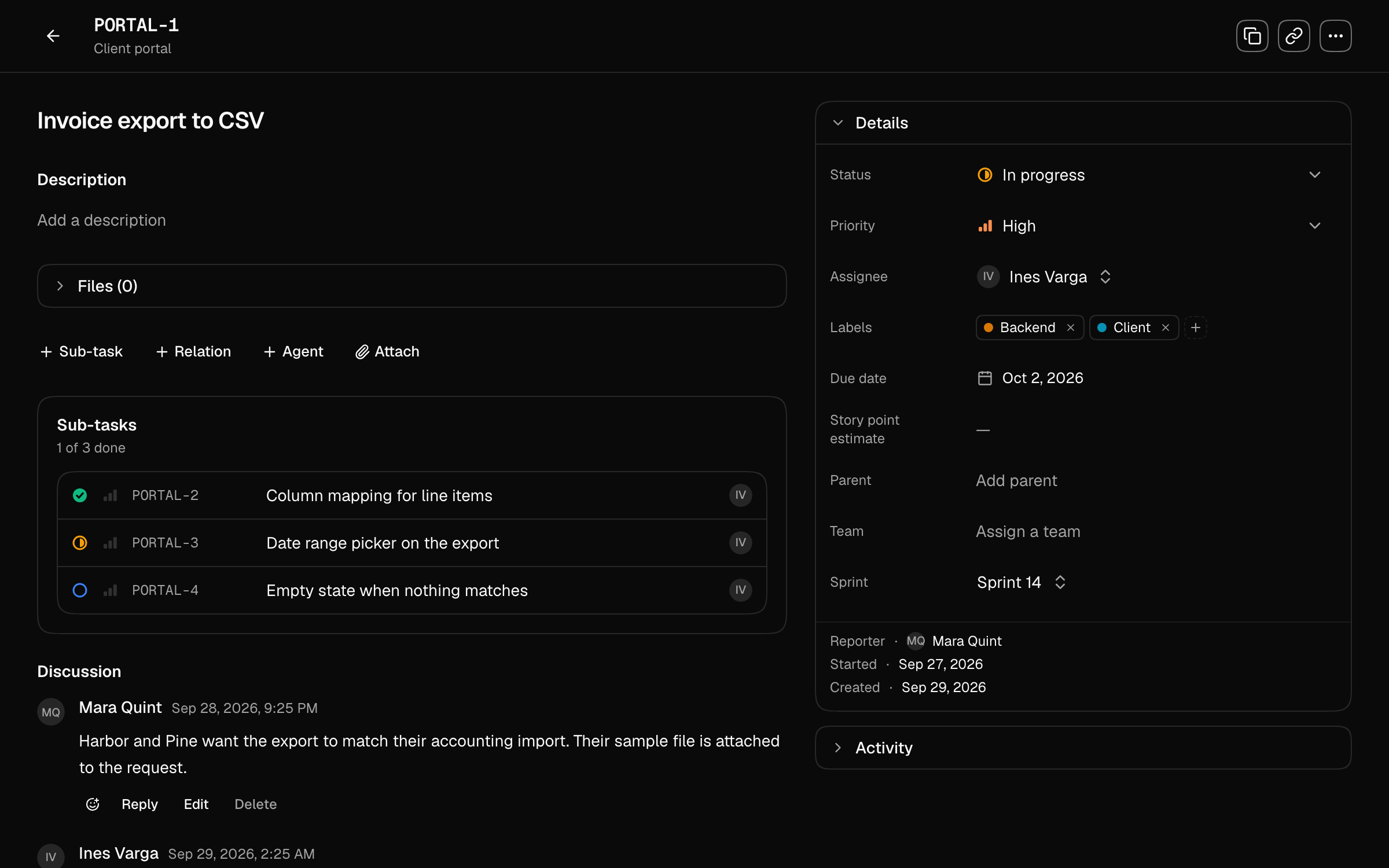
  • Sub-tasks that count as progress
  • Discussion with replies
  • Story points and sprint
  • Star what matters
A task named Invoice export to CSV with three sub-tasks, a discussion between three people, and its details: status, priority, assignee, labels, due date and sprint.A task named Invoice export to CSV with three sub-tasks, a discussion between three people, and its details: status, priority, assignee, labels, due date and sprint.
Ideas

Ideas gather votes before they become work

Anyone in the workspace files an idea and votes. Admins promote the best to tasks.

How ideas work
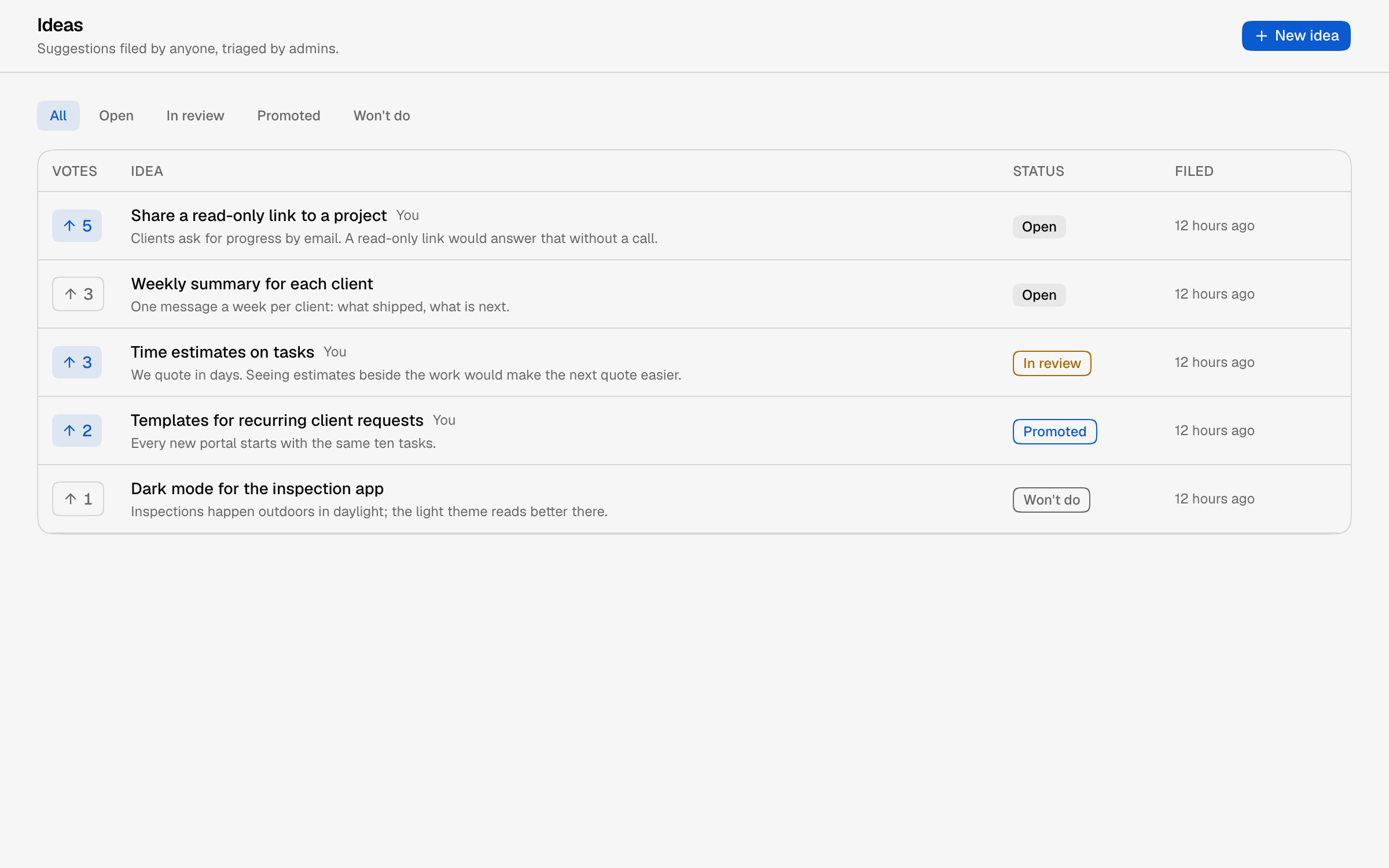
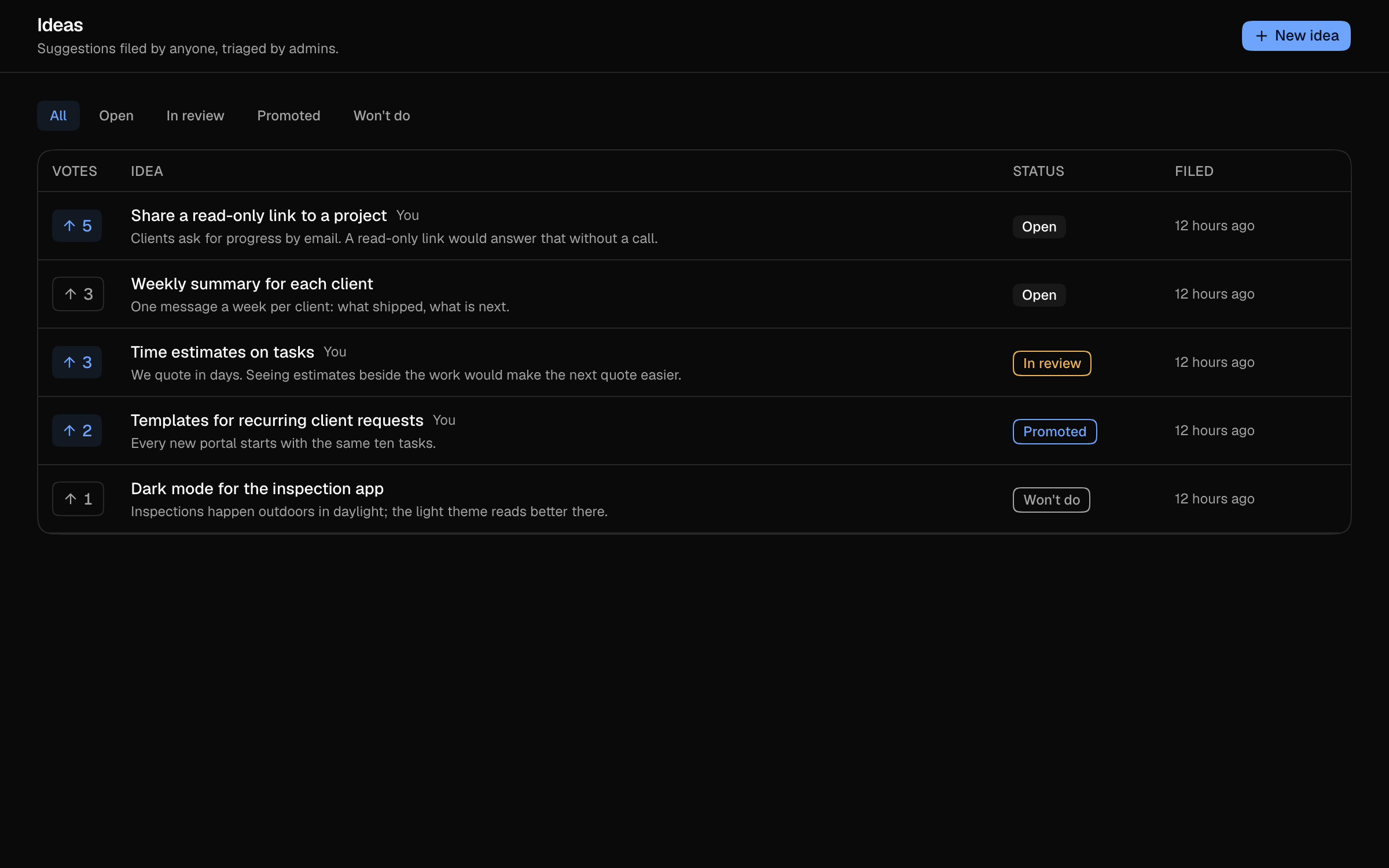
  • Open, In review, Promoted, Won't do
  • Filter by status
  • Votes shown beside each idea
  • Promote to a task
The ideas list with vote counts and statuses: open, in review, promoted and won't do.The ideas list with vote counts and statuses: open, in review, promoted and won't do.
Also working today

Everything around the task list.

The smaller parts of the same workspace.

Start from what is yours

Work assigned to you, and every project's progress

An inbox for what needs you

Work that needs you, grouped by task

Keyboard first

? lists shortcuts, ⌘K jumps anywhere, C files a task

A public request board

People outside the team post and vote; the roadmap follows the task

A changelog that answers

Publishing an entry emails everyone following the request

Your data leaves with you

An admin can download the whole workspace

Questions

Before you ask.

Every answer here is also in Help, with the rest of the questions. Or write to us.

What is the difference between a workspace and a team?

A workspace is where everything lives, and you can belong to several. A team is a group of people inside one.

More in Help
What are the five workflow states?

Backlog, Todo, In progress, Done and Canceled. You can rename them; progress still reads the same across projects.

More in Help
How do I turn on a public board?

Open a project, then Requests, then Board settings. Turn it on, check the address and save. Only admins can.

More in Help
Who can see and use a public board?

Anyone with the link can read the board and the roadmap. Posting, voting and commenting need an account. No email addresses are shown.

More in Help
How do I sign in?

With a link sent to your email, or a password if you set one.

More in Help
What do you store about me?

Your email, your account id, a password hash if you set one, and your work: projects, tasks, labels and their history. Nothing is bought or sold.

More in Help

Bring every project into one lane.

Workspaces, projects, tasks and public boards work today.

Get started
The Issuelane task list, grouped by state.The Issuelane task list, grouped by state.

Issuelane is not generally available. Cublya builds it as customer zero, for one small team.