What's new

Changelog

Every release, newest first. Only the parts you could notice; the rest is in the commit log where it belongs.

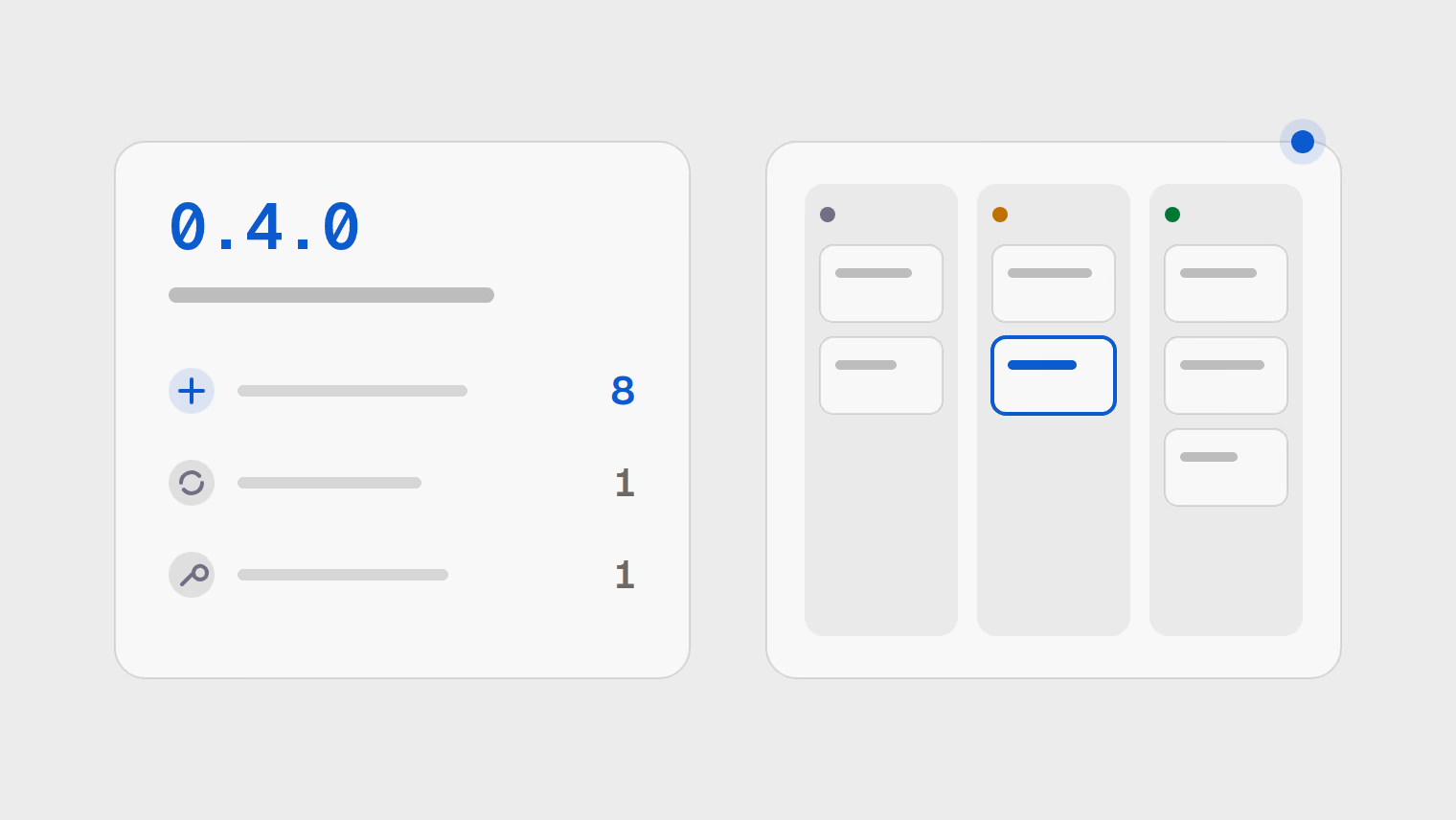
Release 0.4.0 with eight new features, one improvement and one fix, beside a board of three columns.
Latest0.4.0

Boards, live updates and imports

See tasks on a board you can drag, get changes and notifications as they happen, and bring a workspace over from Linear.

New

  • Kanban boards. Drag tasks between columns, reorder them and group the columns, with the mouse or the keyboard.
  • Live updates. Workspace changes and your notifications appear as they happen, without a reload.
  • Personal inbox. An inbox with unread badges and counts, plus a reminder when a due date comes up.
  • Rich text and mentions. Write task descriptions and comments in Markdown, mention people and keep drafts.
  • File attachments. Attach files directly to a task.
  • Relations and sub-tasks. Mark a task as a dependency or a duplicate of another, and split a task into sub-tasks.
  • Export and import. Export a whole workspace and import it again, or bring one over from Linear.
  • Search and filters. Search and filter tasks, combining several conditions in one filter.

Improved

  • Task actions in Cmd+K. With a task card focused, the Cmd+K palette offers actions for that task.

Fixed

  • Fewer assignment notifications. You are notified when a task is handed to you, not on every later update to it.
0.3.0

A command palette, keyboard control and settings

Every part of the tracker got a screen, one design across both themes, and keyboard control.

New

  • Command palette. Press Cmd+K to find actions, recent tasks, projects and every page.
  • Keyboard navigation. Move through the task list with j and k, and reorder with Alt and an arrow key.
  • Settings. A settings area for appearance, keyboard shortcuts, privacy and teams.
  • Privacy signal respected. The cookie banner honours your browser's Global Privacy Control signal before it asks.
  • Google and email sign-in. Sign in with Google or with a link sent to your email address.

Improved

  • Collapsible sidebar. The sidebar collapses to icons and remembers it, and becomes a drawer on a narrow screen.
  • Checked colour contrast. Both themes share one set of colours, and every colour pairing is checked for contrast.

Fixed

  • Shortcuts behind dialogs. Keyboard shortcuts no longer fire while a dialog covers the page.
0.2.0

Tasks, labels and projects

Projects hold tasks, and tasks can be labelled, prioritised and kept in order.

New

  • Tasks. Create, edit, archive and restore tasks, each with its own activity feed.
  • Labels. Add labels for a whole workspace or for one project, and rename or recolour them.
  • Edit in place. Change a task's state or priority where it is listed.
  • Projects. Each project has its own task prefix, its own address and a starter workflow of five states.
0.1.0

Workspaces and teams

Workspaces, teams and invitations: the base everything else is built on.

New

  • Workspaces and teams. Create a workspace, form teams, invite people by link and give each person one of four roles.
  • Quick catch-up. Coming back after time away loads only what changed, not everything again.
  • Changes kept while signed out. Changes made while signed out wait and are saved once you sign back in.

Security

  • Separate workspaces. Each workspace's data is kept apart, and protected pages refuse anyone who is not signed in.