A command palette, keyboard control and a settings area
Release 0.3.0 adds Cmd+K for actions, tasks, projects and pages, j and k to move through tasks, and settings for appearance and privacy.
1 min read
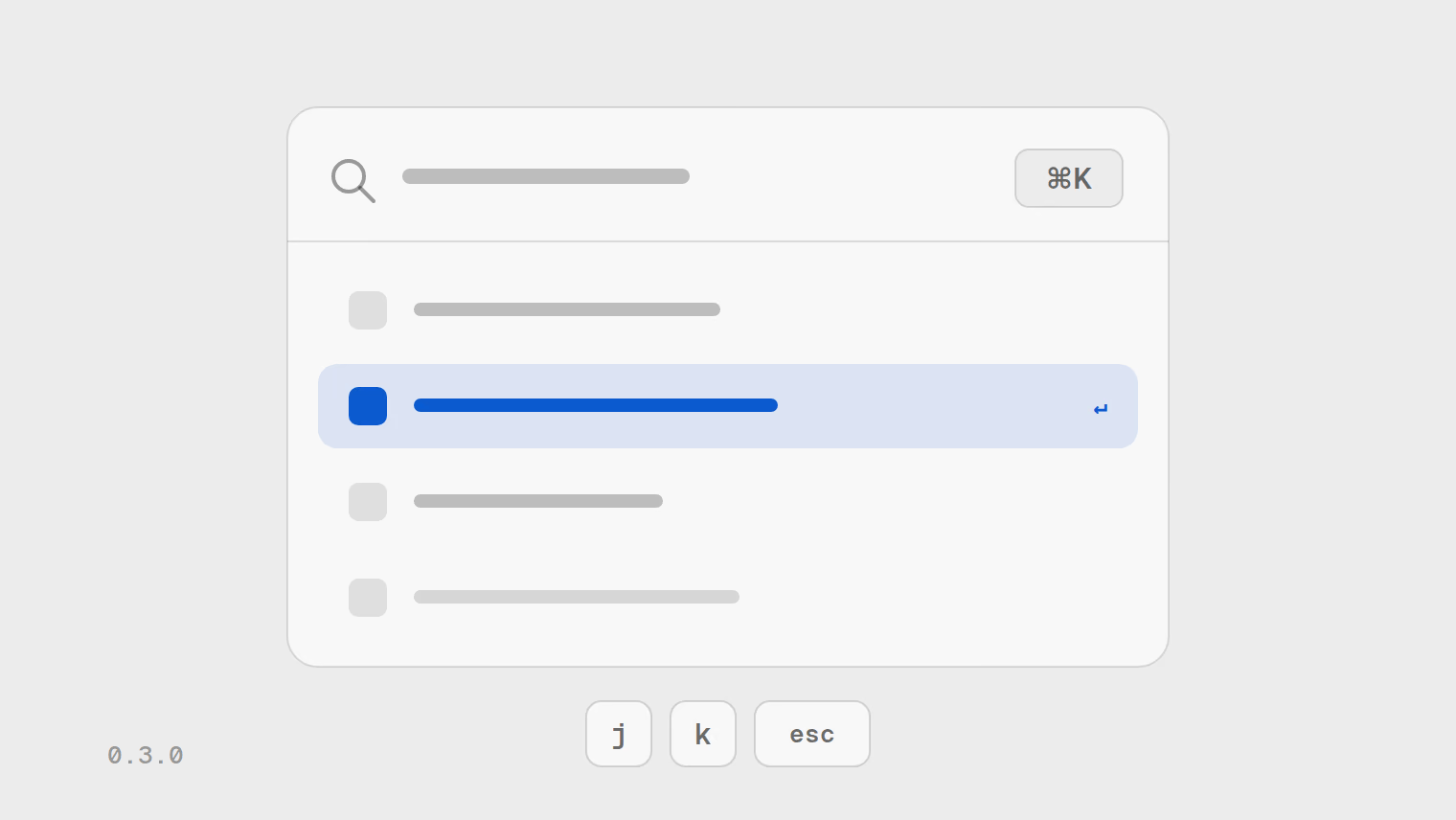
Release 0.3.0 gave every part of the tracker a screen, one design across both themes, and keyboard control.
Cmd+K
Press Cmd+K to find actions, recent tasks, projects and every page from wherever you are.
Moving through tasks without the mouse
Move with j and k
Step down and up the task list.
Reorder with Alt and an arrow key
Change the order of tasks in the list.
Settings
A settings area covers appearance, keyboard shortcuts, privacy and teams. The sidebar collapses to icons and remembers it, and becomes a drawer on a narrow screen.
Sign-in and privacy
- Sign in with Google or with a link sent to your email address.
- The cookie banner honours your browser's Global Privacy Control signal before it asks.
- Both themes share one set of colours, and every colour pairing is checked for contrast.
Every change in the release is in the changelog.