Kanban boards, live updates and a way in from Linear
Release 0.4.0 puts tasks on a board you can drag, shows changes and notifications as they happen, and imports a workspace from Linear.
1 min read
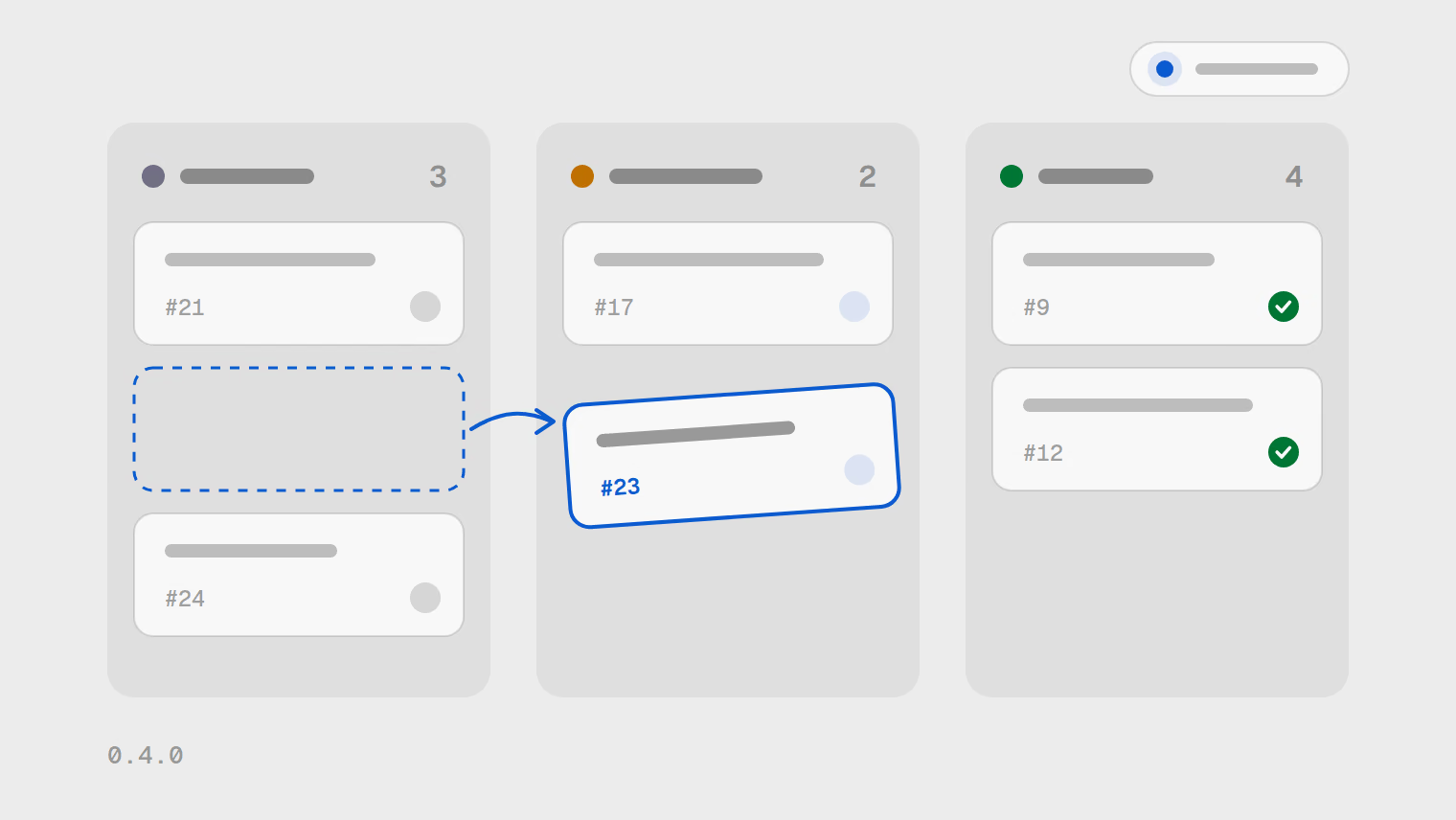
Release 0.4.0 is the largest so far: eight new features, one improvement and one fix. The headline is the board.
- New features
- 8
- Improvement
- 1
- Fix
- 1
Kanban boards
Tasks can now be shown on a board. Drag them between columns, reorder them and group the columns, with the mouse or the keyboard.
Changes as they happen
Workspace changes and your notifications appear as they happen, without a reload. A personal inbox collects them, with unread badges and counts, plus a reminder when a due date comes up.
Richer tasks
- Write task descriptions and comments in Markdown, mention people and keep drafts.
- Attach files directly to a task.
- Mark a task as a dependency or a duplicate of another, and split a task into sub-tasks.
- Search and filter tasks, combining several conditions in one filter.
- With a task card focused, the Cmd+K palette offers actions for that task.
Moving a workspace in or out
Export a workspace
Export a whole workspace from the tracker.
Import it again
Import the export to bring the workspace back.
Or start from Linear
Bring a workspace over from Linear instead.
Every change in the release is in the changelog.